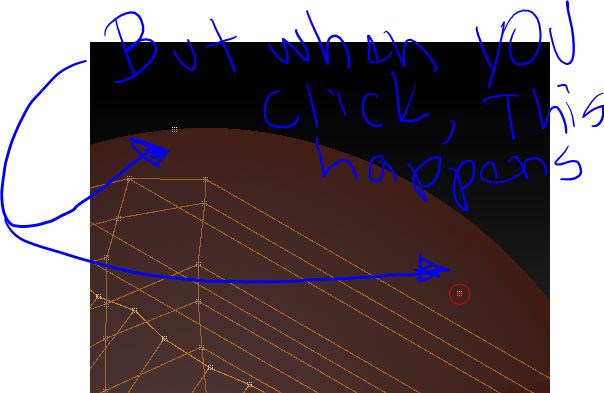
The transparency is a big issue, and I’ve tried the suggestions and they don’t really work well.
But there’s another big issue: (read below after looking at pics)
[1.JPG[/ATT]%3C/font%3E"]
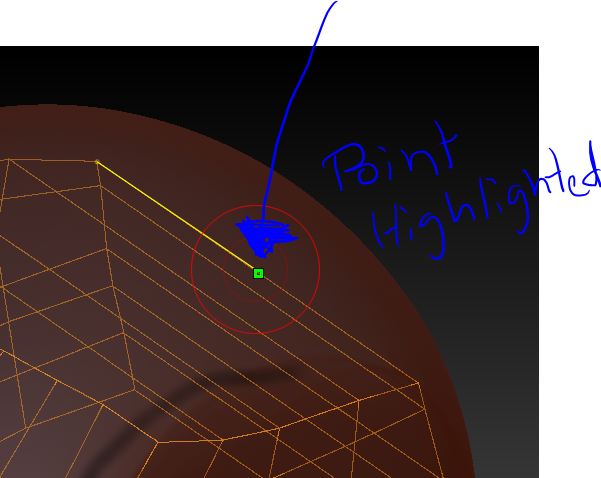 ](http://%3Cfont%20color=%22#9A9A9A%22%3E[ATT=217613)
Before in Z3, it ignored the reference mesh and it created the point right on the edge like you wanted. Which is what the highlighting is supposedly telling you (that it’s going to create the point there).
I’m curious as to why this changed if re-to was unchanged. One thing that I would love if it was included is an option to make sure every point touches the surface no matter where you move it. Topogun has this.
But it should be option because sometimes you do want to deviate from the reference mesh.
Attachments