Hey there,
I really have no clue how to fix these problems. I would heighly apreciate it if i can get a fix for this as i see high potential in creating tileable textures with 2.5d painting. Thanks in advance.
Attachments
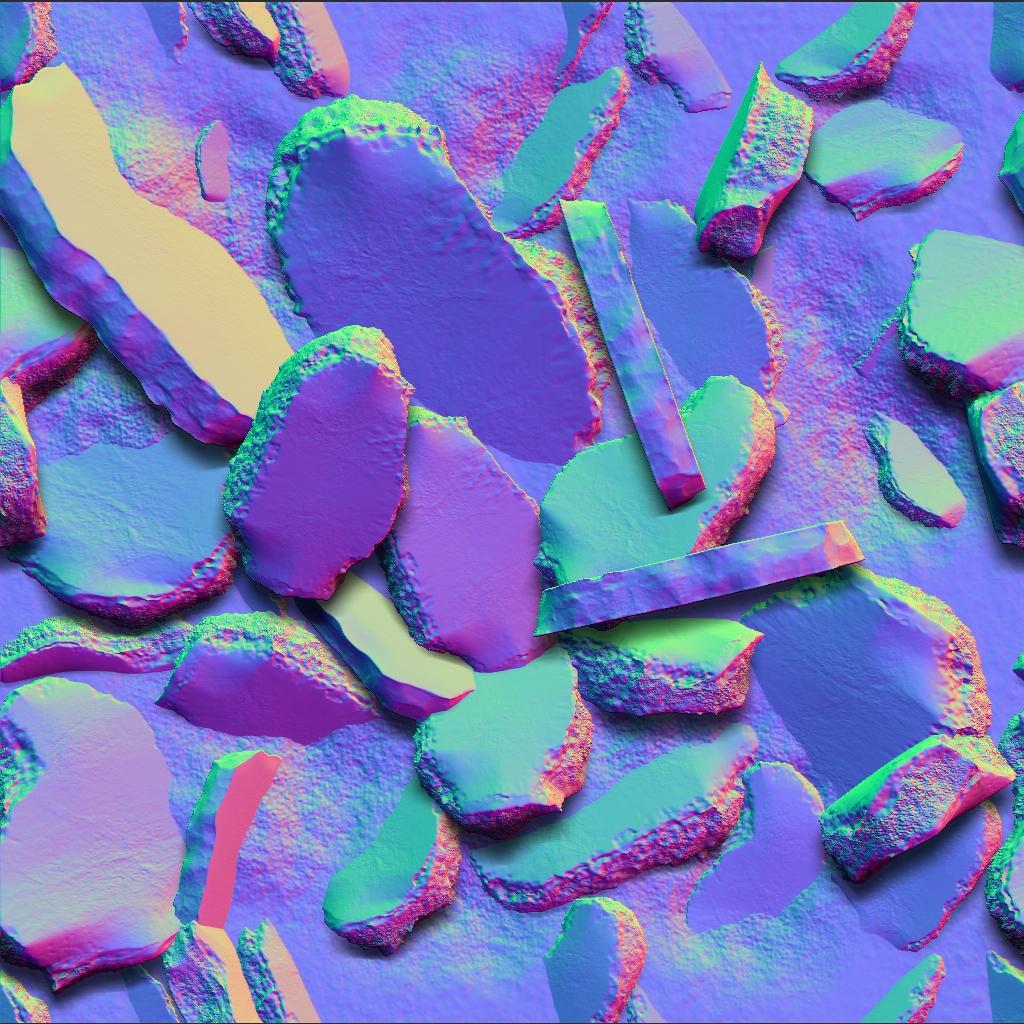
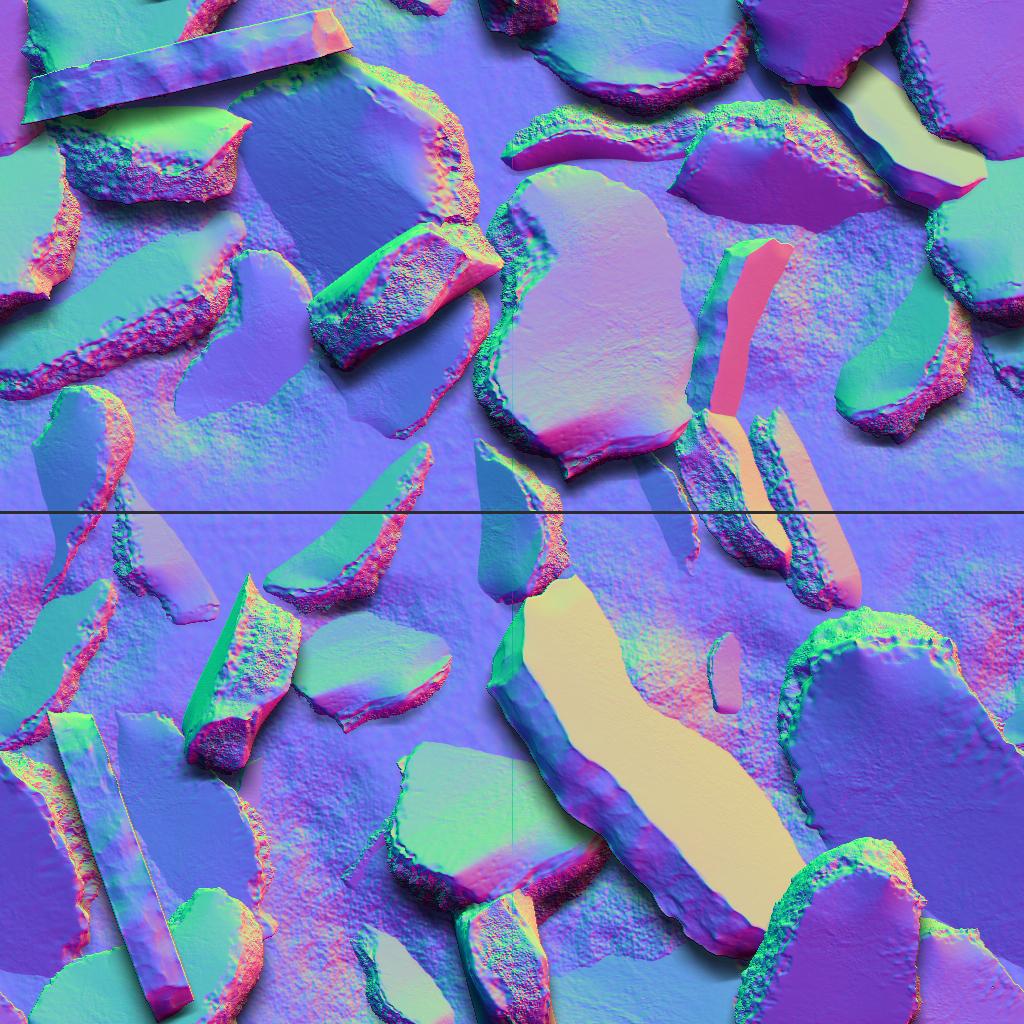
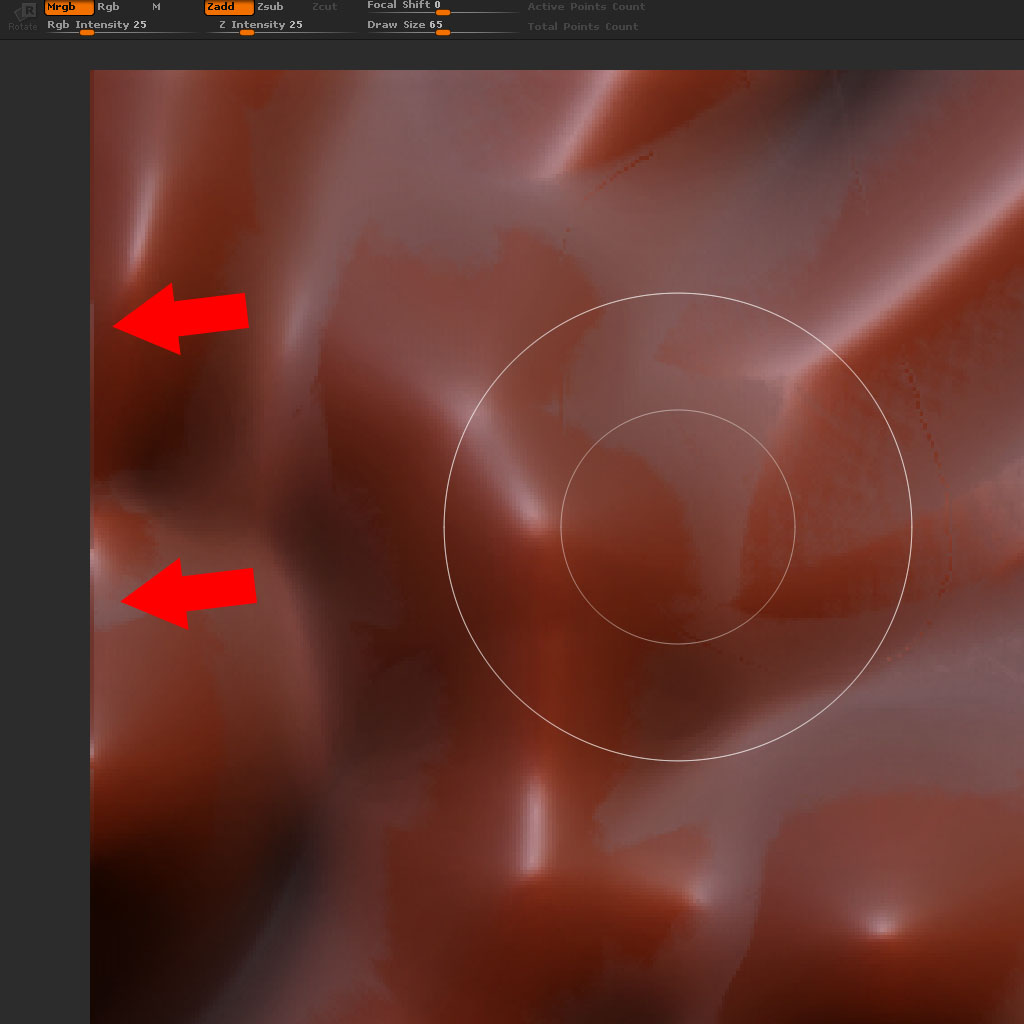
Hey there,
I really have no clue how to fix these problems. I would heighly apreciate it if i can get a fix for this as i see high potential in creating tileable textures with 2.5d painting. Thanks in advance.
These topics seem to cover and solve some of my problems although i have to try the described workflows myself first:
http://www.zbrushcentral.com/showthread.php?t=54052&page=1&pp=15
http://boards.polycount.net/showthread.php?t=67476
It does seem that zbrush has some unfixed glitches with document size.
did you use best render before sending it to PS? However, I can’t get zapplink to work with 3.5 R3 
I did found a workflow described in one of my links which works for 2.5d painting. Its a workaround for the the glitches and derived from this awesome post by tveyes
In short it works as follows:
-paint in 2.5d as u would do normally (dont cross the borders, use ~ key to scroll canvas)
-use tveyes’ script to add 32 pixels on each side of the canvas.
-do a best render
-use layer–> bake
-do preview render
-substract the 32 pixels again by using the script
-do best render again
-export the document
For some reason this workflow works to get rid of the bug/glitch seams. I still have to try out the workflows to make a tiletexture without seams by using a 3d plane and wrapoptions but i guess it will work also as long as u stick to tveyes’ workflow.
I do find it weird that somehow this hasnt been fixed for 2 years and nobody seems to care as there isnt much information about it.
Has this issue been fixed somehow? I’m starting to use Zbrush more and more for tilleable textures, but having these seams is destroying the workflow…
In my case I get only 2 extra pixels on the top.
I’ve also noticed that if I use Alpha - Grab Doc I wont get seams but if I use Texture - Grab Doc I get them…
Turning off shadows and rendering at “Best” seems to fix it!