Is it supposed to look like this? I can’t fill it out. I only get the message that something went wrong.
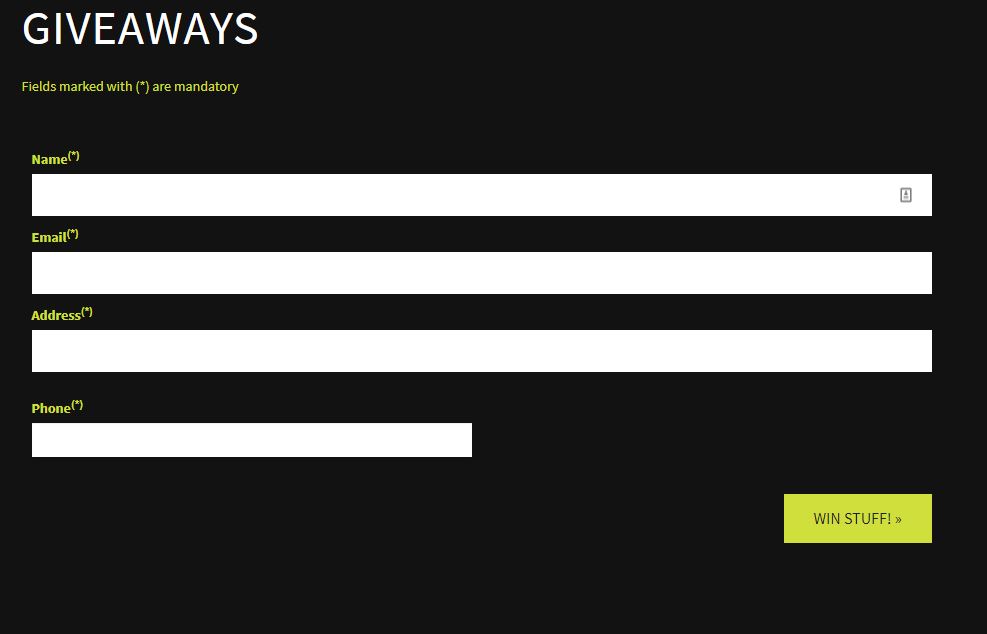
Is it supposed to look like this? I can’t fill it out. I only get the message that something went wrong.
Hello @Ghostman
I was able to use this form without issue. Make certain that cookies are enabled, and that any add-ons (like script blockers) or heightened security settings that might interfere with the proper functioning of a web page are disabled. The officially supported browsers for ZBC are Google Chrome or Microsoft Edge for Windows, and Safari for macOS.
Good Luck! 
Doesn’t matter what I do. That screen is the only one i get and I’m always told that Something went wrong.
The screen is the only one you’ll see. If the form is sent successfully, you’ll see a green confirmation message at the top.
Are you using one of the browsers I listed above? Are you running it at default security settings? Are cookies enabled in your browser? If you change any setting, be sure to clear your browser cache and refresh the page.
Are you running a script blocker like No Script? Either disable or uninstall this completely. Are you running an antivirus program with any sort of web features enabled? Disable this.
Disable anything you have running that might interfere with the normal functioning of a web page.
If you have done all these things and are running a supported browser, please specify which you are using so that I can also test this for you. Please also PM me with with exact information you are entering into the fields.
Thank you!
have done all that and is running google chrome.
Please PM me with the exact information you are trying to enter. Make certain it is accurate in the event I enter it for you.
Thanks!
Thanks. message sent