Hi guys! Currently coming to grips with Zbrush while following along with a book on modeling. I’ve been following an example in this book on sculpting models, but I’ve hit a wall with my test sculpt.
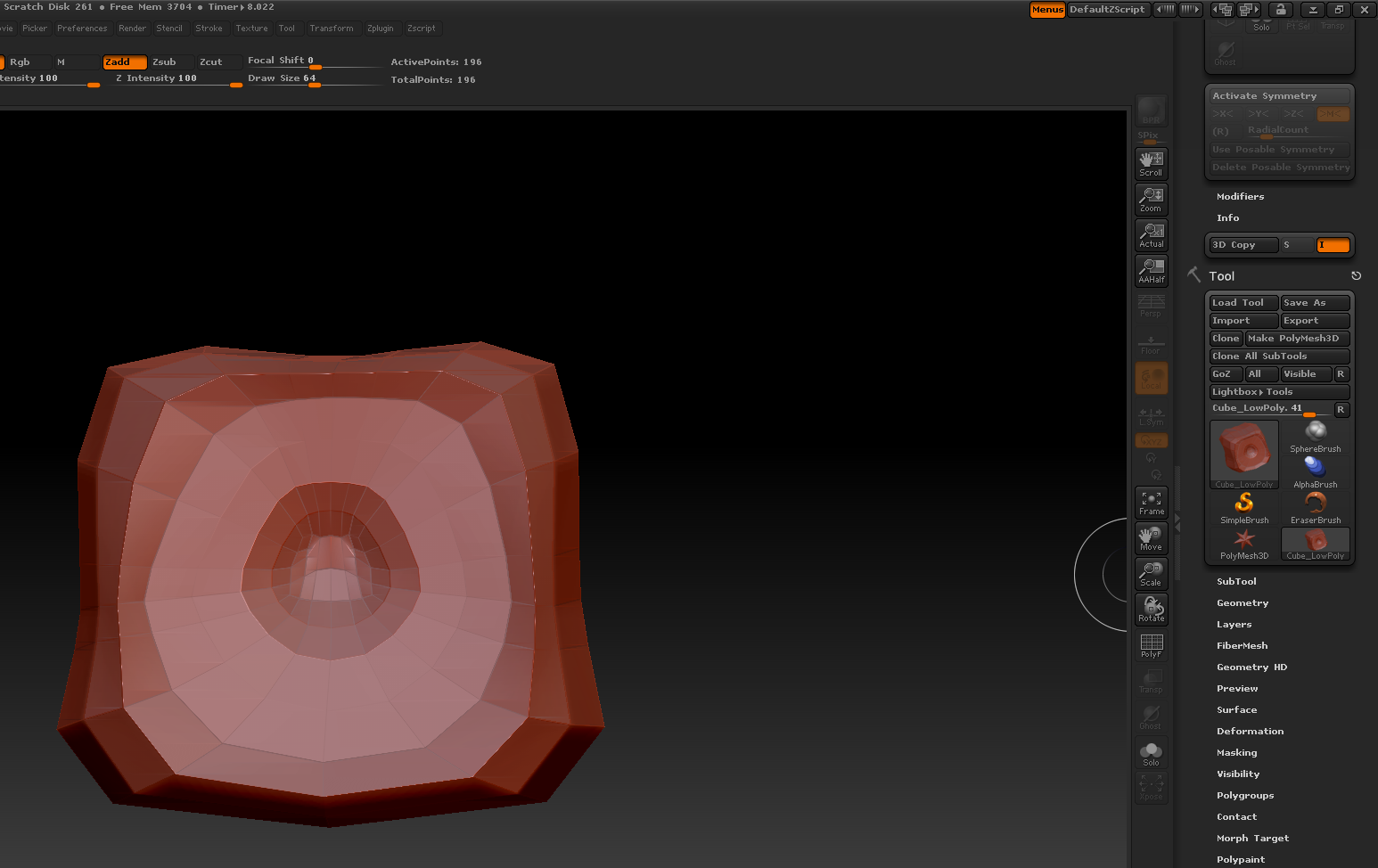
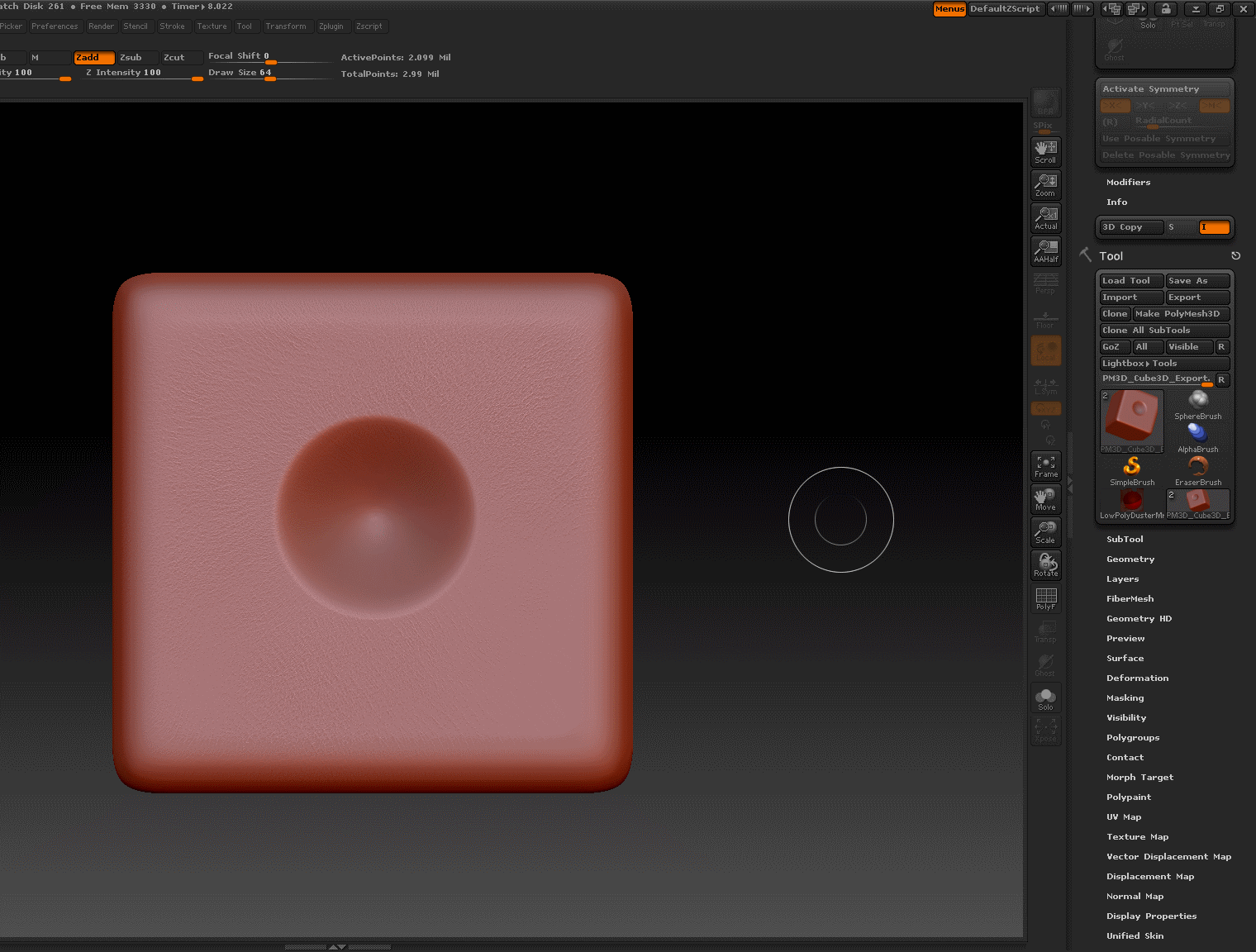
Here’s the situation: I’ve high detail sculpt of a cube that I’ve made in Zbrush. (See attachment) I’ve retopod’d it into a low poly cube using a Zsphere (Other attachment). I then exported my low poly cube into Maya and UV-mapped it. So far so good. Here’s where I’m lost-Is it possible for me to import my correctly UV-mapped low-poly cube into ZBrush, and get the normal details from the high detail sculpt applied to my low poly cube’s new UV map? If so, how?
Attachments


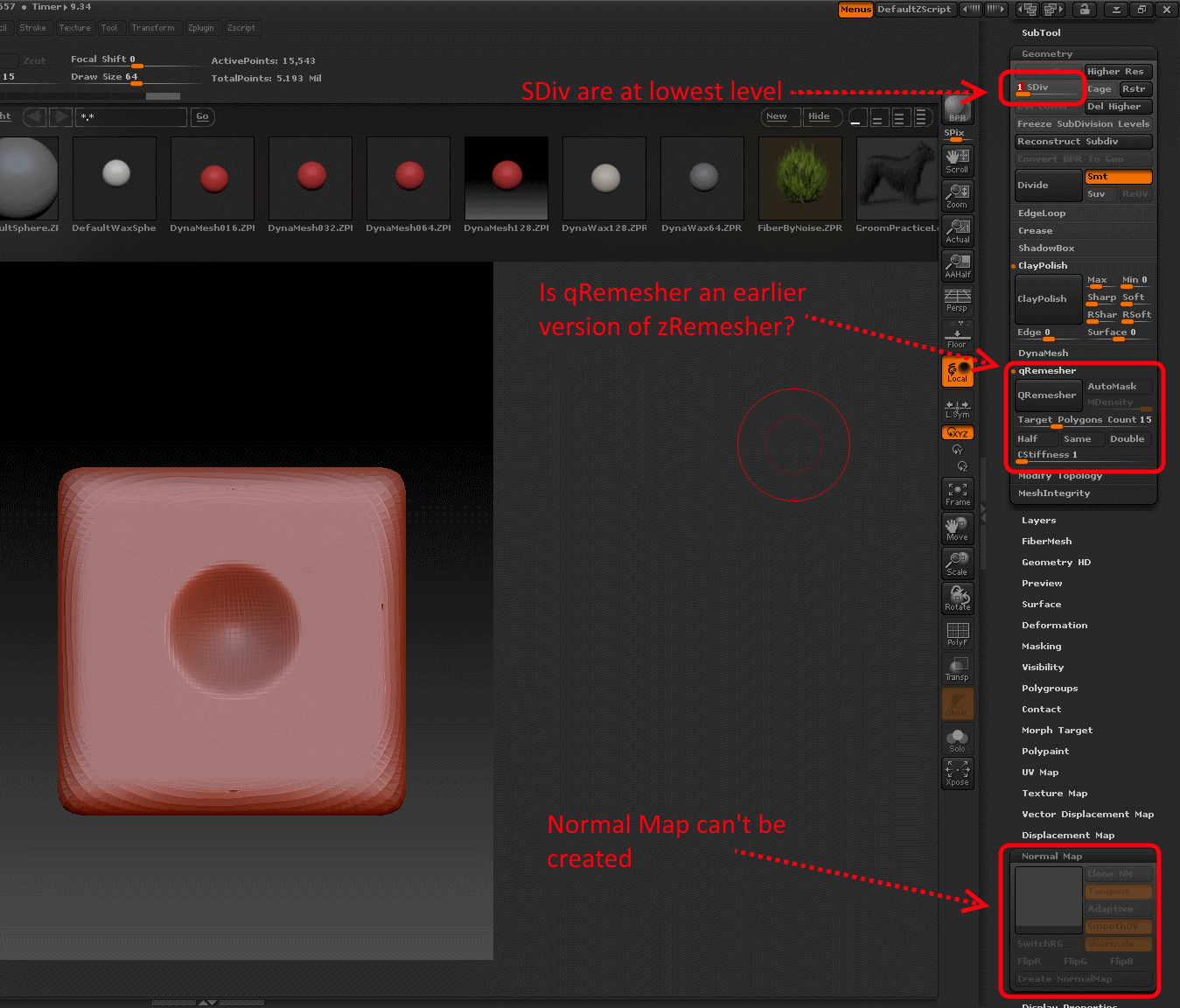
 Anyway, I decided to follow the guide you posted, specifically the “Duplicating your SubTool” method written in the docs. It seemed to have worked just like I wanted, except for one crucial detail: I can’t create a normal map from my remeshed model! I’ve managed to copy all the surface detail I want on to it, but when I lower its subdivison level, the “Create NormalMap” button is greyed out. Any ideas why that is? I feel like I’m really close to getting it to work.