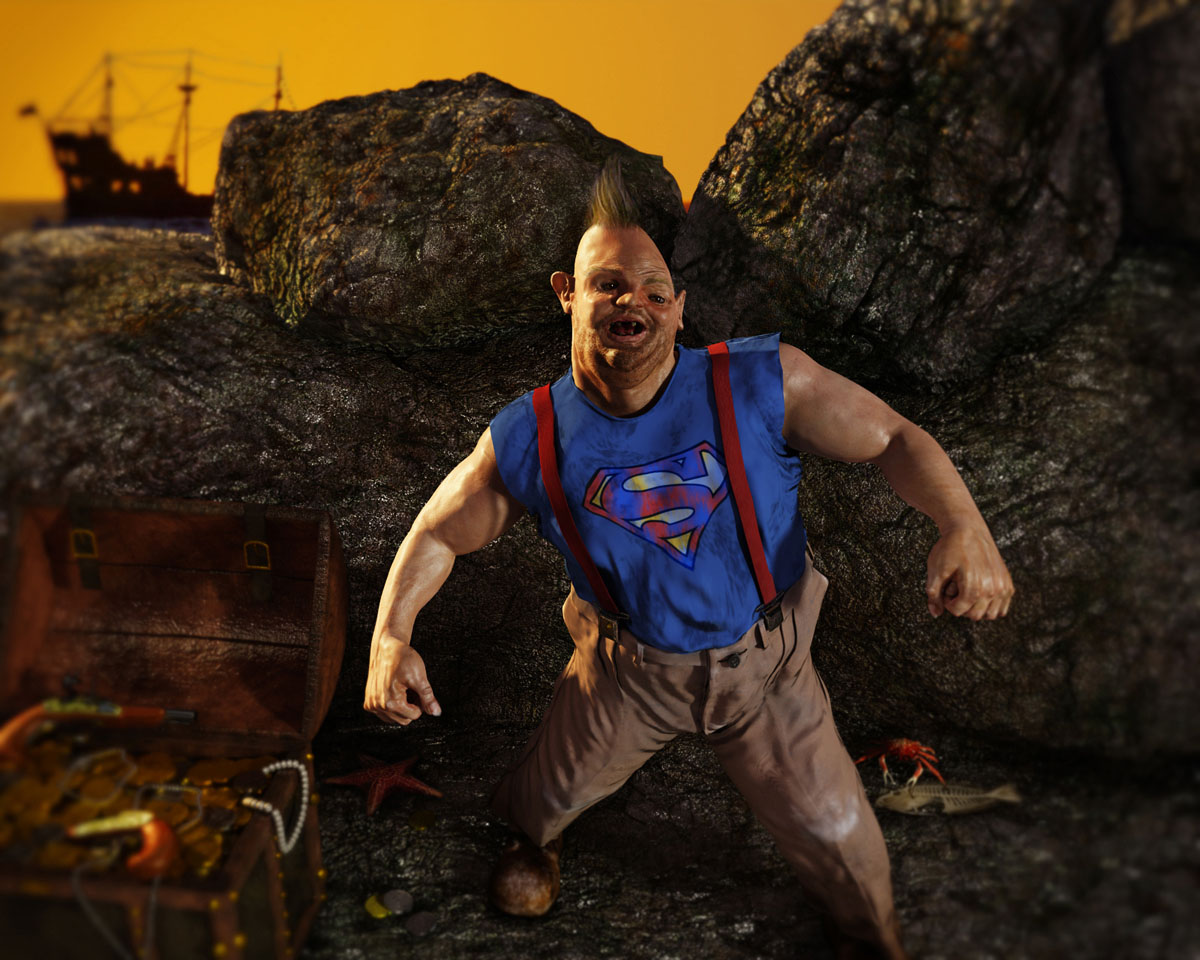
Here some of my works. I think Sloth is a reference to my generation that grews up watching mechanical effects and make up characters in the 80´s movies.
Sorry about my english. Thank you all.
Attachments
Here some of my works. I think Sloth is a reference to my generation that grews up watching mechanical effects and make up characters in the 80´s movies.
Sorry about my english. Thank you all.
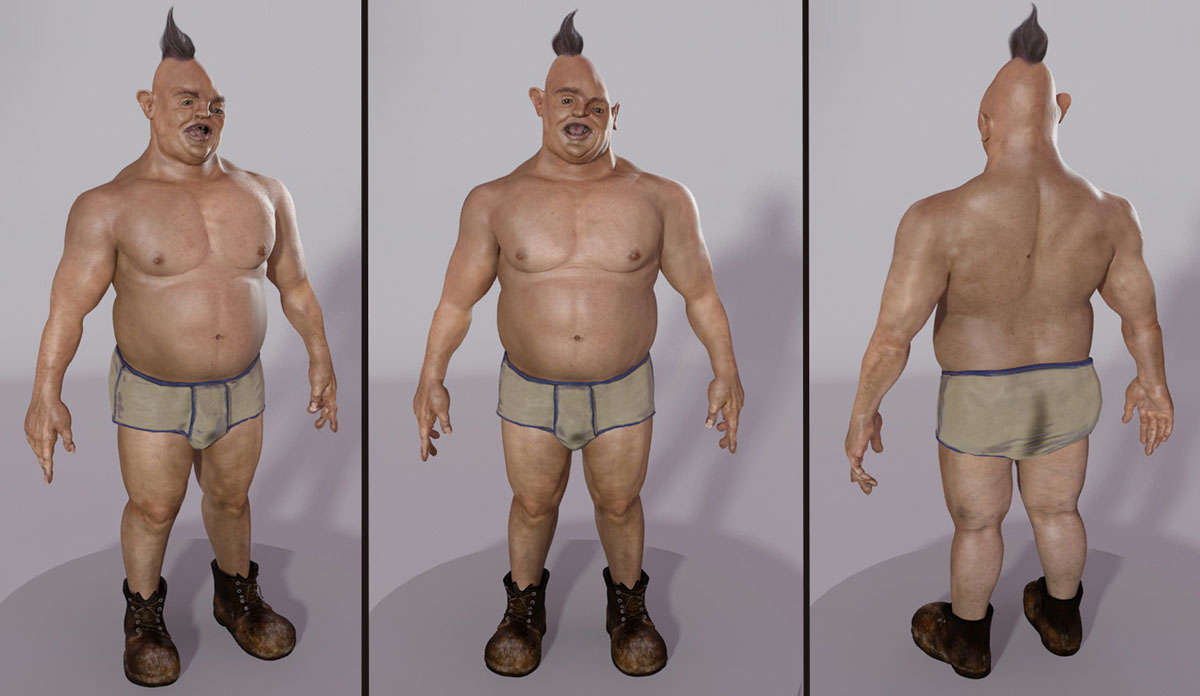
Here some zbrush screens from Sloth.
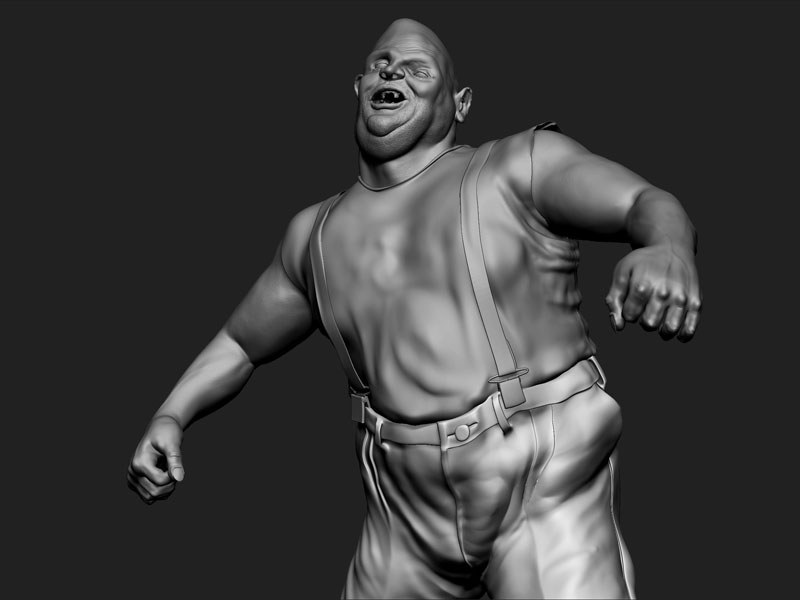
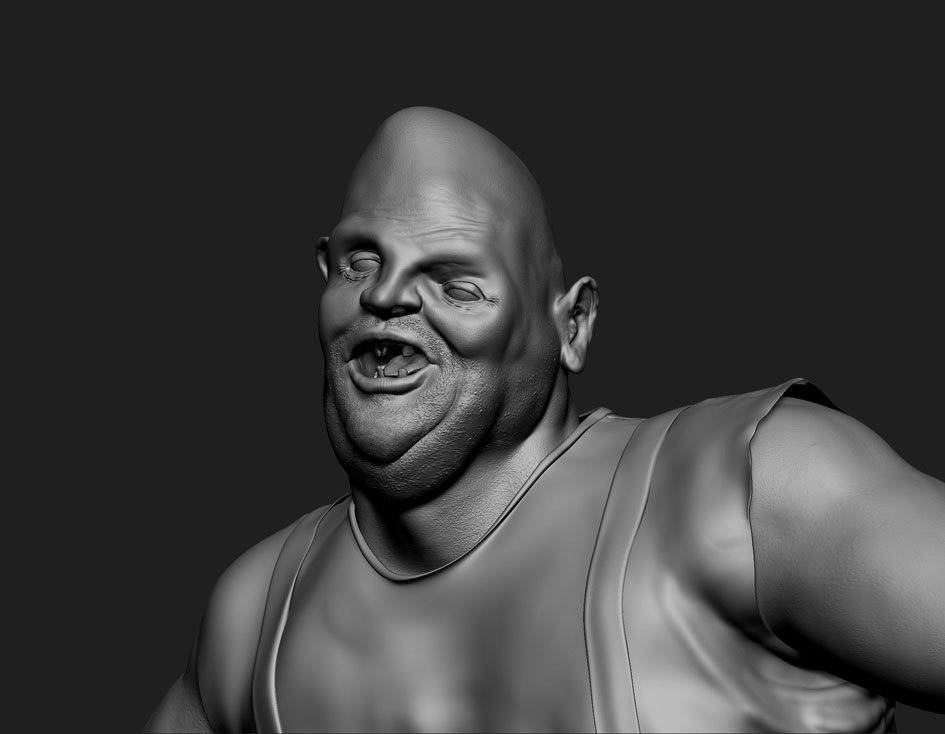
That Sloth guy is really disturbing. Looks like a character straight out of that old film DELIVERANCE. I wouldn’t want to run into him while vacationing in the woods. Is that treadmarks on his underwear? :o
I´ve use my underwear as reference. Hehehe ! That is disturbing !!!
just joking !!!
I don´t use underwear !!! hehehe !!!
Thank you Derek.
hehe sloth looks weird in a good way. In underpants he reminds me on Zippy the pinhead. 
thanks MDGeist !!
Yeah !! Really Looks like Zippy !!! I´ve nerver notice that !!
Great work, little disturbing!
That skin shading looks good!
Keep it up!
HEYYYYYYYYYY YOUUUUUUUUUUUUUU GUYYYYYYYYYSSSSSSSSSS
Thing brought a smile to my face. Great work!
HA, I said that exact thing to myself when I saw it. “Hey you guuuuys!”
Awesome model and great choice of subject, makes us 80’s kids smile. You just need to do a teenwolf model next! I’m working on a Robocop at the moment.
Makes me wanna do the truffle shuffle
thanks Beholder, KMaddix, pigdog04, Darukin !!! Sloth is a great subject. When I accidentally watched Goonies again I realized that he is a perfect subject to Zbrush it.
But I couldn´t use too much symmetry at the face. hehehehe.
the render was done in Max with Mental ray sss with Normal maps. Everything is normal map.
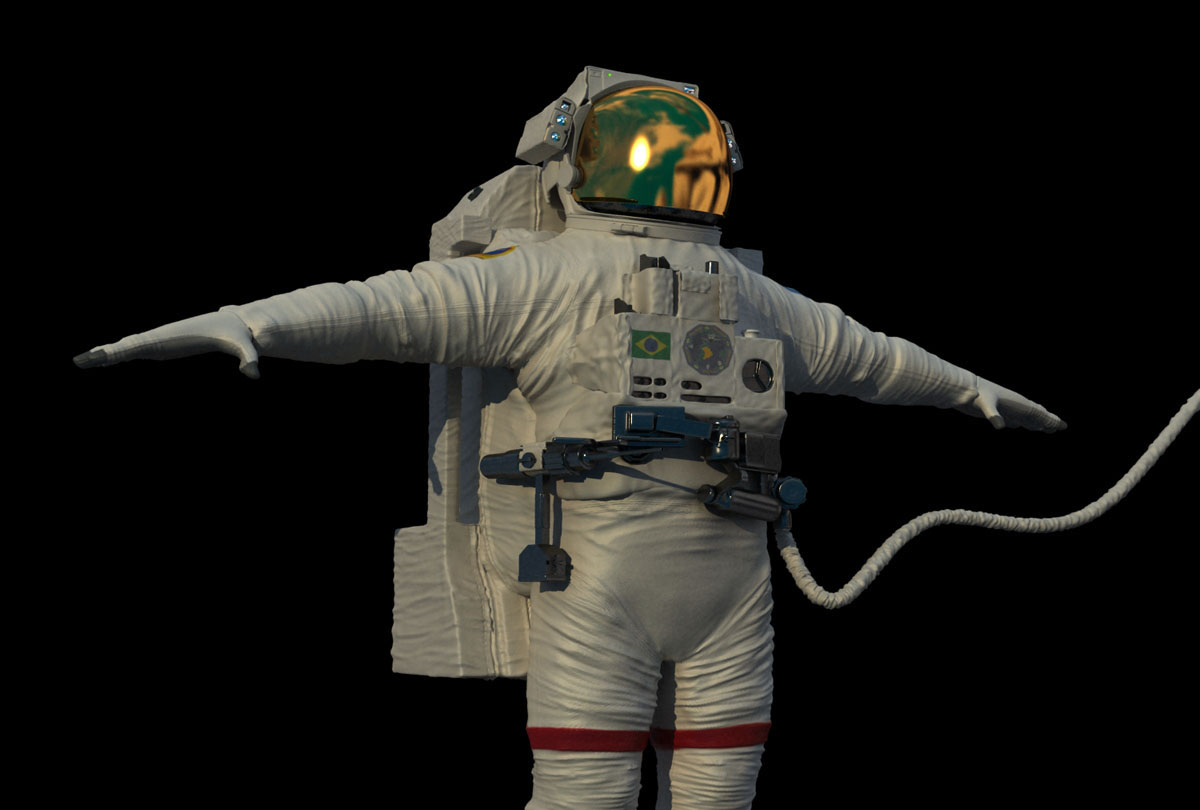
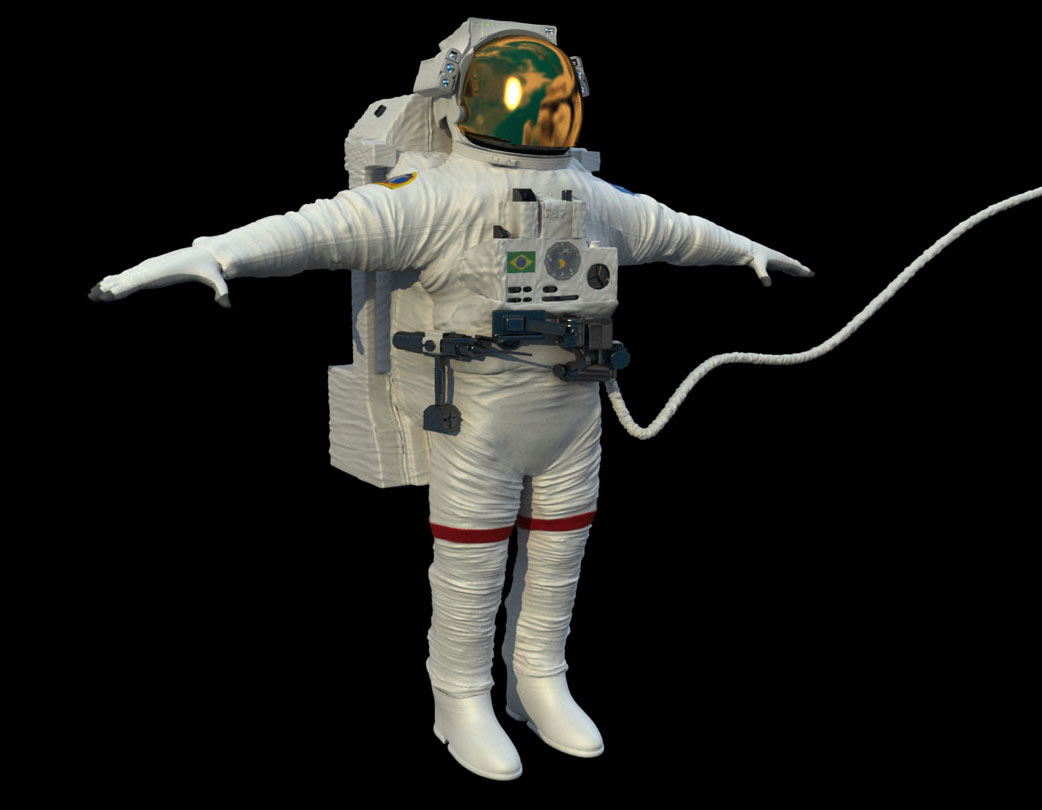
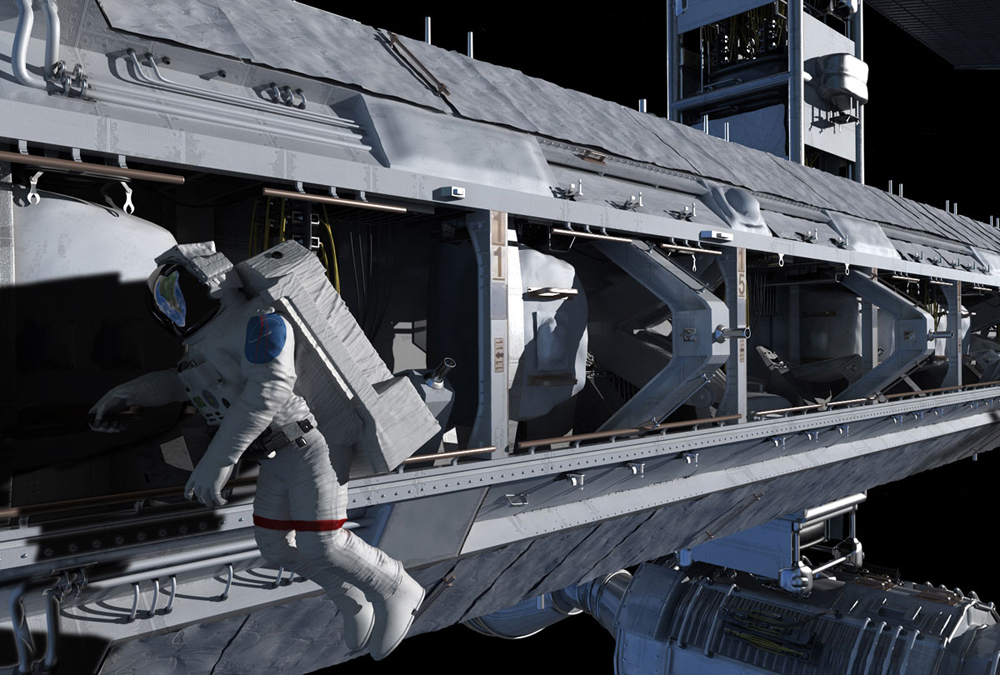
The astronaut I use Vray im Max, with Vray displacement.
The astronaut Was done for a movie sequence. I put a frame here. But at my site you can watch the movie.
thanks again
Great stuff! Do you think you could post your techniques for the Italian building? I’d like to see how you did it.
Awesome work!
Yeah, and I just can join my fellow 80´s kids here and say that I was pulled back into childhood too. Man, I can´t even tell how long ago it was that I saw that movie. 
Again, great work JUBA. I like that italian fasade allot too. Stunning! 
Great Job Juba
Parabéns Bro !
thanks floyd54 locusta
valeu m0delista
Floyd54
I should model some buildings to a car explosion scene into a soap opera here in Brazil.
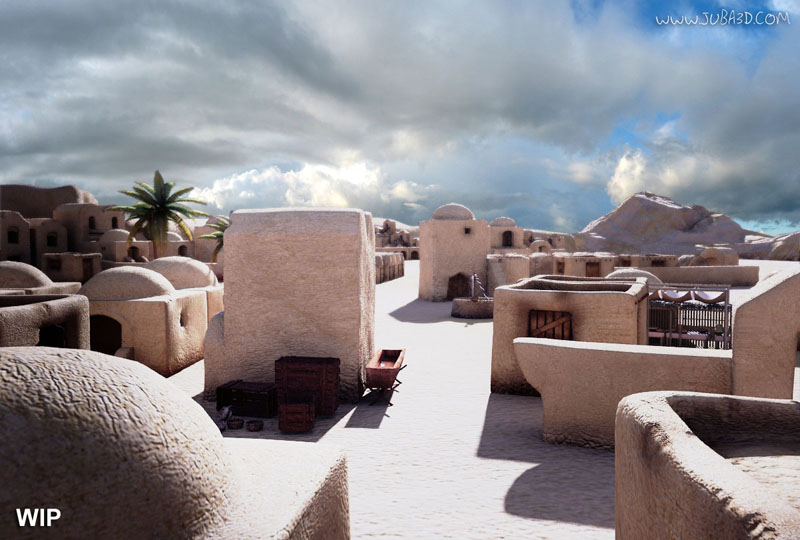
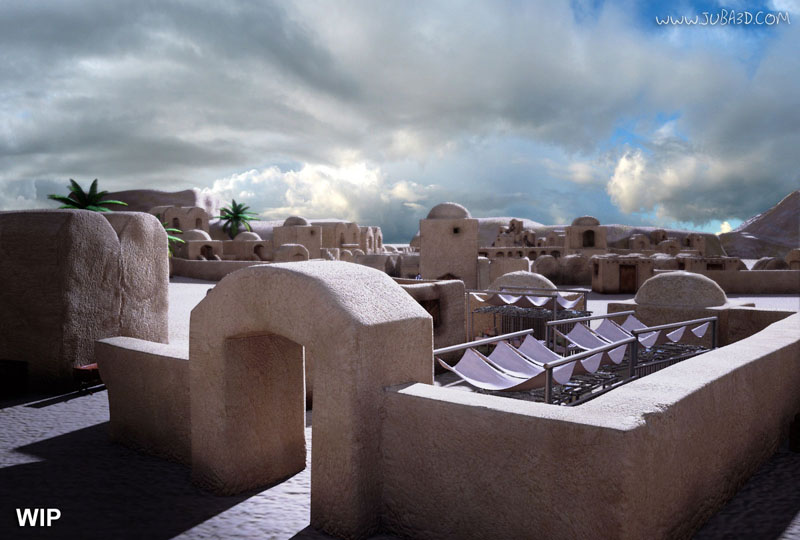
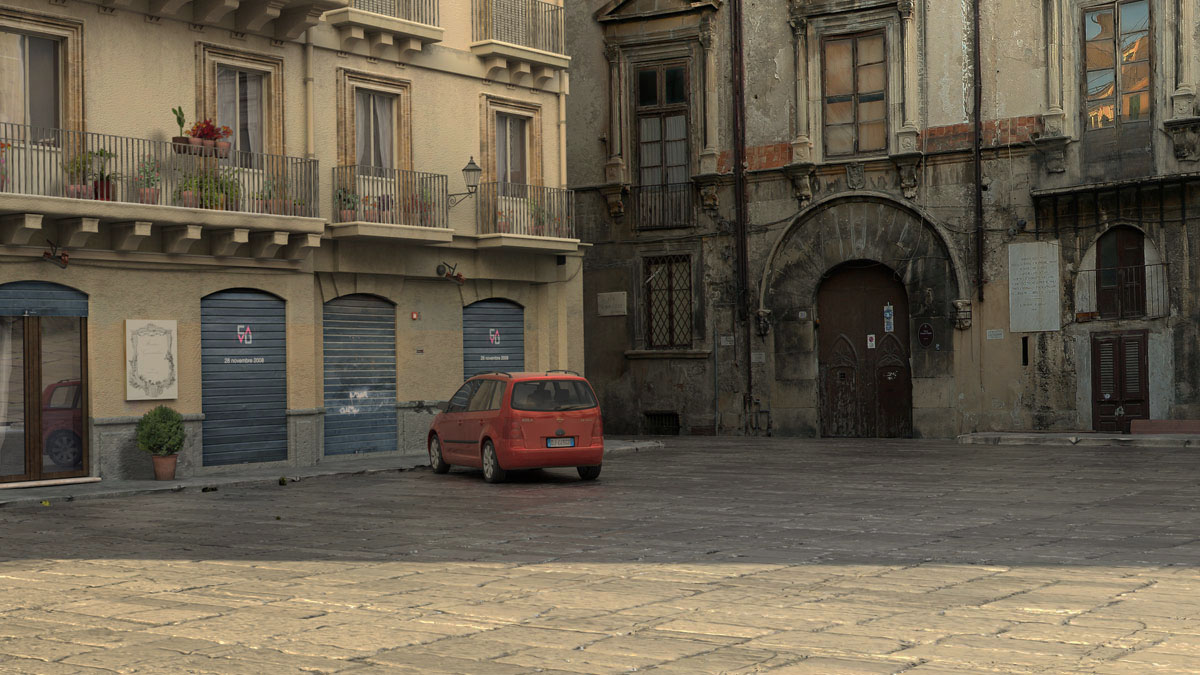
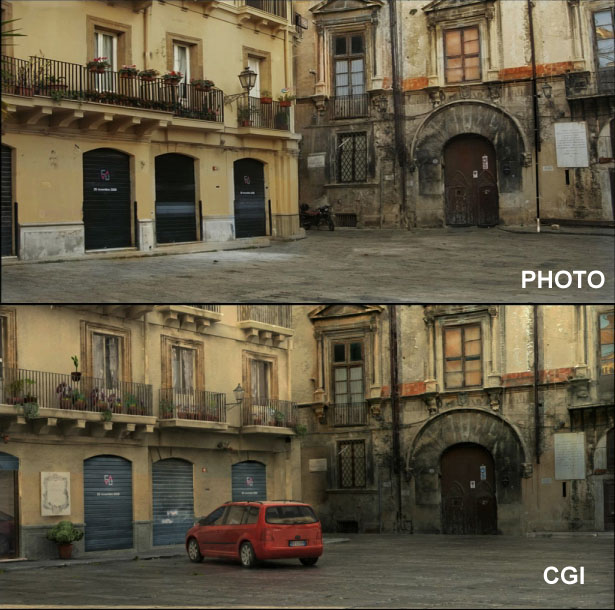
The final scene after being compose at Inferno composite departament I dind´t like.
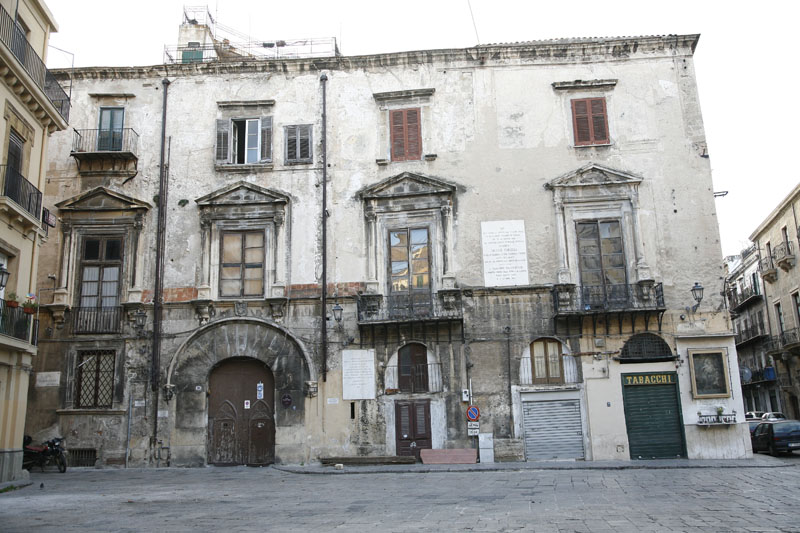
But my job was to recreate the square, and I think i´ve been well suceed.
I´ve started from photographs from the square. Just from the beginning
I realize that on of the buildings, an very old one, was difficult to model
using old model techniques. My deadline was too short. always is here.
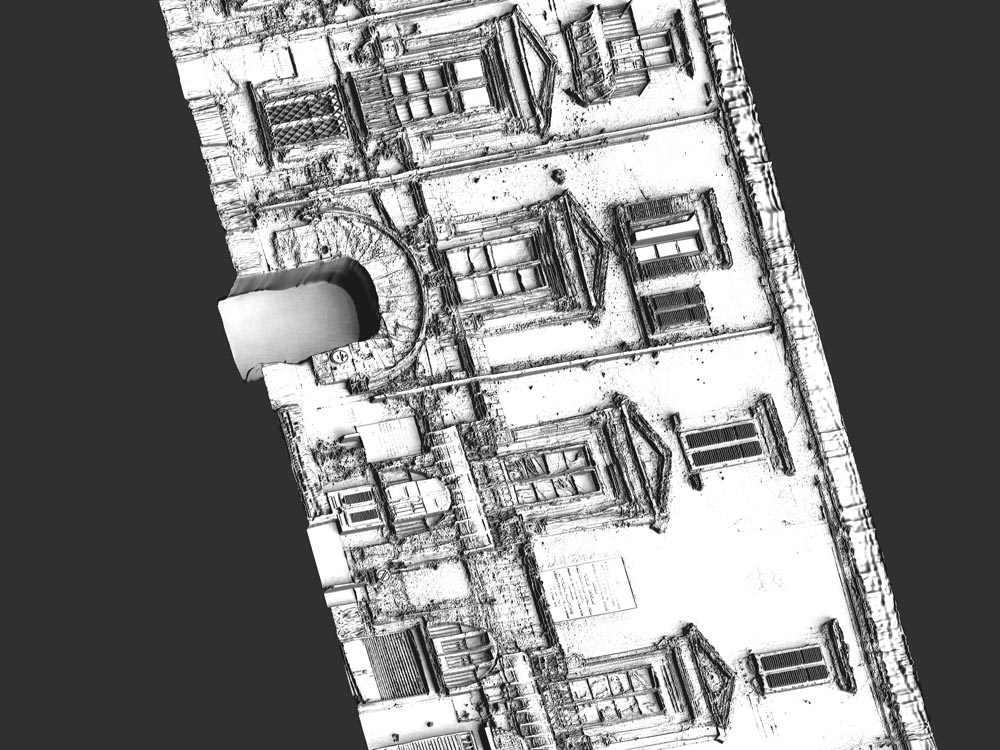
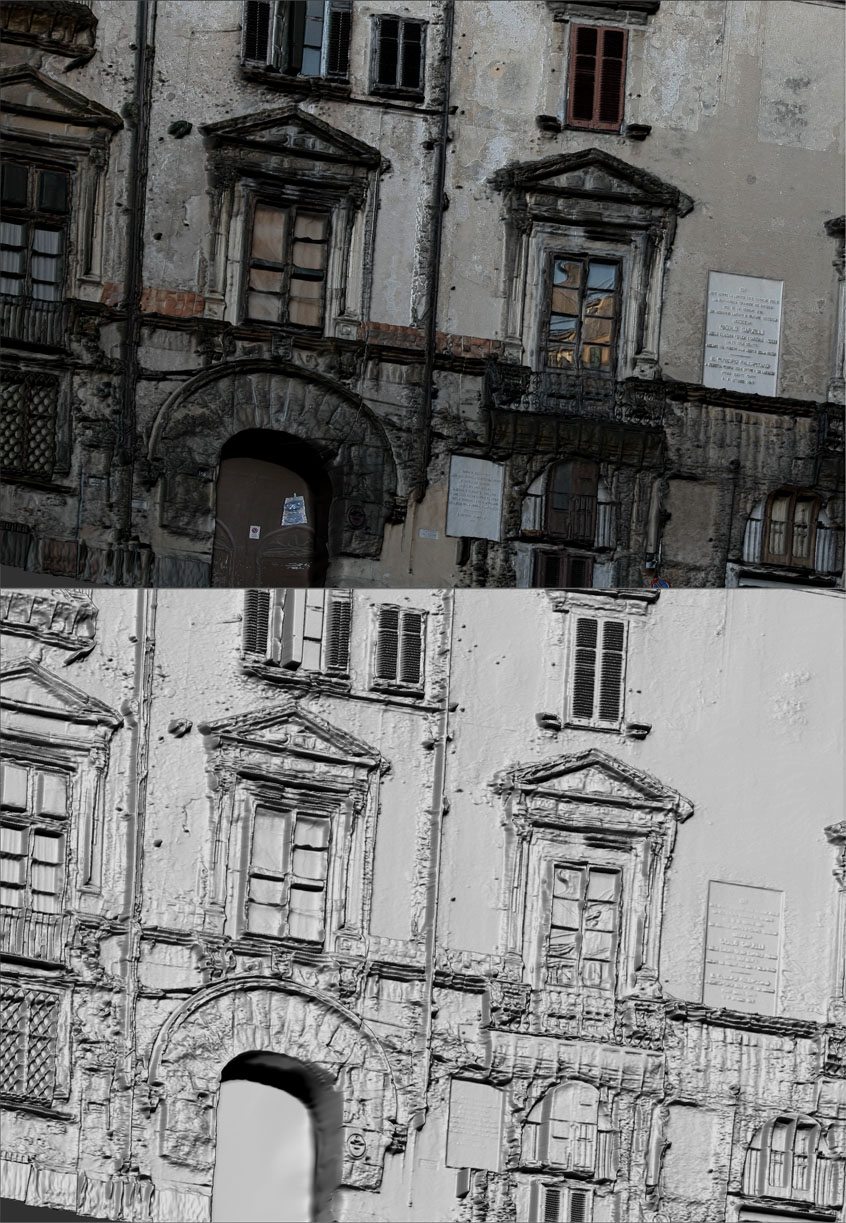
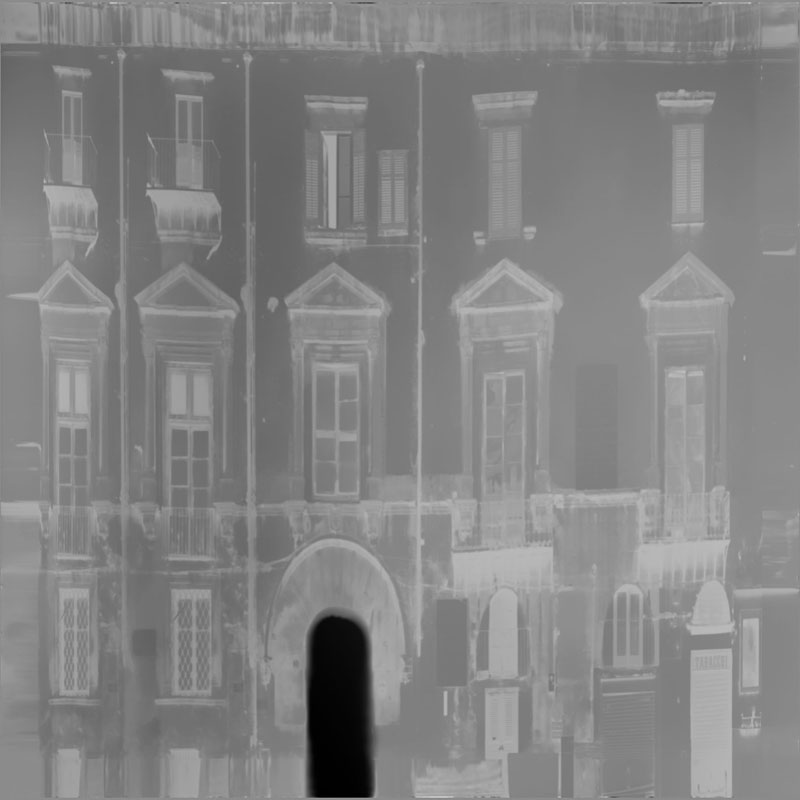
So after some tests I decide to use a Grayscale map from a photograph
of the original building to apply a displacement to a plane into Zbrush
and from there refine the model until get a good result for the building.
The camera movement was predefined as they shot a car explosion in front of a chroma key. So I knew that the movement wasn´t so extensive.
here a making of. Sorry about the language. Is in portuguese.
here some images.
the original building
Thank you
Instead of the car you really need a Ducati in there.
Cool scene
I realize that on of the buildings, an very old one, was difficult to model using old model techniques.
Old model technics are better and faster for this subject. Even SketchUp can do this better and faster. I tried zbrush, 3DCoat and I just had fun and loosed my time. A simple extrude method and a a combination of two projected UVs in blender or modo could do it better.
Nice sculpture in this thread
Not sure what you mean, the results came out great and in real life buildings like that have a lot of detail that is time consuming to create using “old modeling techniques” and definitely even more time consuming to use SketchUp. I bet all that detail on the building didn’t take him long at all in Zbrush, but to replicate it by hand in photoshop would take much longer.
To the artist, great job, looks very realistic. IMO for instances like these, Zbrush offers great assistance in creating aged inanimate objects.
You don’t have to construct every detail, the basics only. Photo and displacements could do the rest. The building on the left looks much better BTW. Old modeling technic though. No Ps, just sculpt on the photo texture. I don’t need zbrush just for displacements…
Yeah Michalis you´r right. It wasn´t a happy choice of words " old model techniques " is ridiculous. Now that I´m reading I can see. I use polygonal modeling everyday. It´s not old. Isn´t ? hehehe.
This is a Normal map tests for this project.
thanks all