ZBrushCentral

Offset question... (Resolved)

Im trying to sculpt a tileable bark-like texture on a plane…

A while back I found this blog that has a similar concept but the author does not explain exactly how they are offsetting and able to resume sculpting in empty spaces. It seems that it is NOT 2.5D…?

Example

Am I missing something simple?

Thanks in advance.

yeah, you can offset the canvas in 2.5D by pressing the tilde key, the key on the left side of the number “1” in your keyboard.

Bring as a tool the default “thickplane”, divide it, make sure you cover the whole canvas with it and then drop it to canvas. You can know sculpt in 2.5D, just make sure you dont do nothing near the border of the canvas.
Once you are happy with what you have press the tilde key and offset till your current border its on the middle to keep sculpting.

When you finish you can offset it in every direction to check if it will tile correctly.

Some issues are:

  • Be sure you screen can display the whole canvas, use the zoom option to display it whole. you can modify the size of your canvas with the document menu and set it to a size appropriated to tile, lets say 1024 x 1024.

  • i have issues with the tile button, sometimes Zbrush changes the language of my keyboard so it is sometimes in one key the in another. just try a couple of keys if its not the one a previously stated.

Happy Zbrushing.

Darth: thank you.

Is there any way to go back into edit mode once dropping and tiling so you can continue to sculpt with the majority of brushes that are not 2.5D?

Im trying to sculpt, drop, tile, pick-up, sculpt, etc. etc. until the texture is complete.

Look at the example I gave in the first post: She’s using regular brushes, not 2.5D.

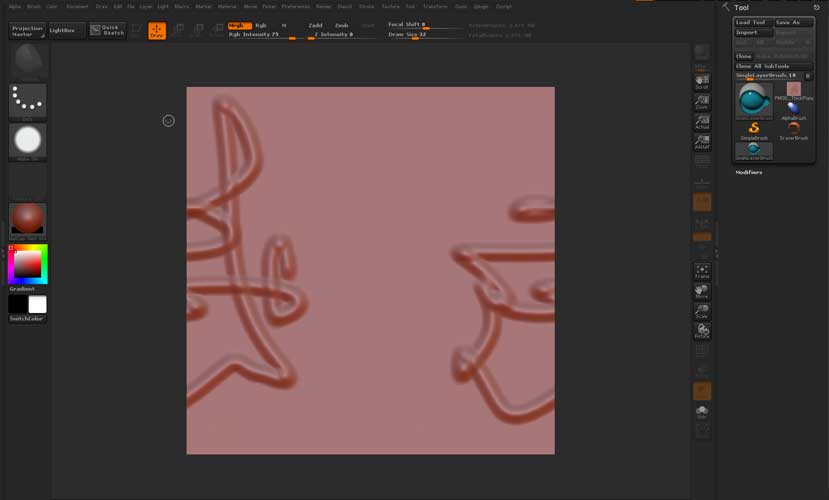
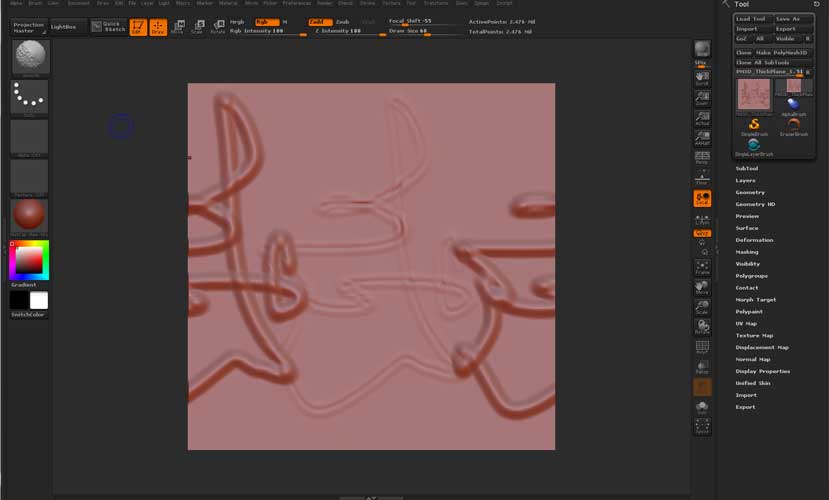
Wanted to show some screens to illustrate my problem more clearly…

Using regular brushes I sculpt in the center of the plane…
problem1.jpg

As stated, im trying to sculpt, drop, tile, pick-up, and sculpt again, repeating the process until it’s finished.

?

Attachments

problem2.jpg

problem3.jpg

Ok, tested your approach and yes Projection Master does left some imprints and wacky stuff once you use it to offset your 3D brushes sculpts.

Projection Master read the pixols and “drops” the model to a 2.5 canvas but once you pickup it will reproject the original pixols onto the model no matter what.

I would not recommend that approach as it leaves pretty nasty stuff on the tool, while plating with it and offseting the canvas in projection master seriously damage the tool and confuse Zbrush Pixols, you left with a non viable model.

The technique i was talking you about before its only for 2.5D sculpting/painting but with a lil luck this tutorial will serve you well:

http://www.pixologic.com/docs/index.php/Wrap_mode

Cheers!!
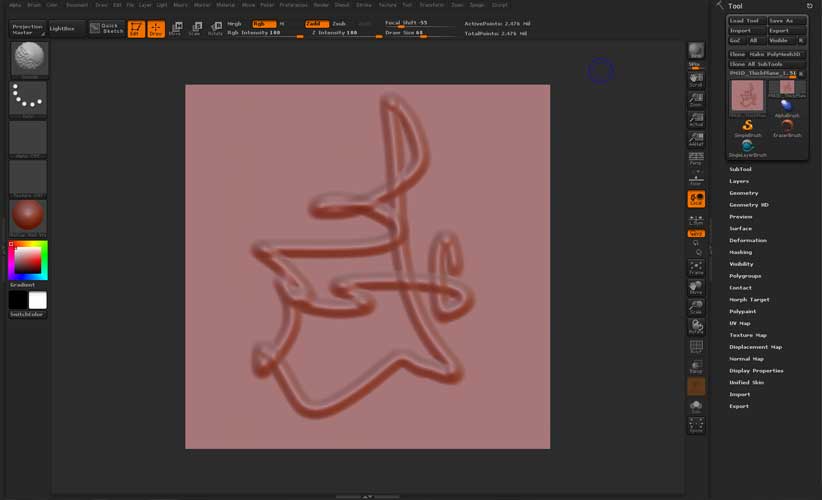
I find it is better to simply use 3D geometry for the different pieces of your tiling texture.
Once you are done you can drop them to the canvas (i.e. a single brick, stone, etc). If you’re using the layer system inside of Zbrush you can also remove and delete them as you see fit.

Darth and Goast: Thanks a ton for checking this out.

I’ll just play with those other methods. :slight_smile:

Thanks again!