NOV 23, 2013
ZBrush Fun 
:)Glenn
Hi Glenn, this work is looking good!
My Mac crapped out about three weeks ago, it couldn’t have been a worse time! I just got a new much faster iMac and hope to be up and running soon. I have a question for you about re-installing Zbrush. Should i use the CD’s I got in the Anniversary box and then the various upgrades from 4.0 i would download?
what do you think?
Cheers, David
Hi David
Thanks for the visit.
I have PC, but re-istall should be similar.
You can re-install from your discs, or go to pixologic to re-download from them.
However, the pixologic/zbrush folks will still see your program as active on the other computer.
When my hard drive burned out, I had to contact them for them to manually deactivate the previous installation and give me a new activation code for my new computer/hard drive.
You can call them or putin a 'ticket" to support to have them do it.
This was a couple years ago. (actually the second time I had to go through this.)
I am thinking that now it is possible when you install the CDs it will tell you on the screen that you are ‘activated’ on a different computer and may allow you to de-activate it right then and go ahead and reactivate on the new computer. (without having to call or contact support)
One is allowed to run the program on more than one computer, but it cannot be activated on more than one at a time.
Write back a note if you need more information - also write back and let me know if you get it reinstalled.
(my wife always has to do this for me, in fact she is the one writing this message. I am totally computer illiterate!  )
)
Good Luck!!!
Glenn
Hi Glenn,
Waiting to hear back from Pixologic as to what i need to do. I will keep you posted. Thanks for the advice!
all the best, David
Hi Glenn! 
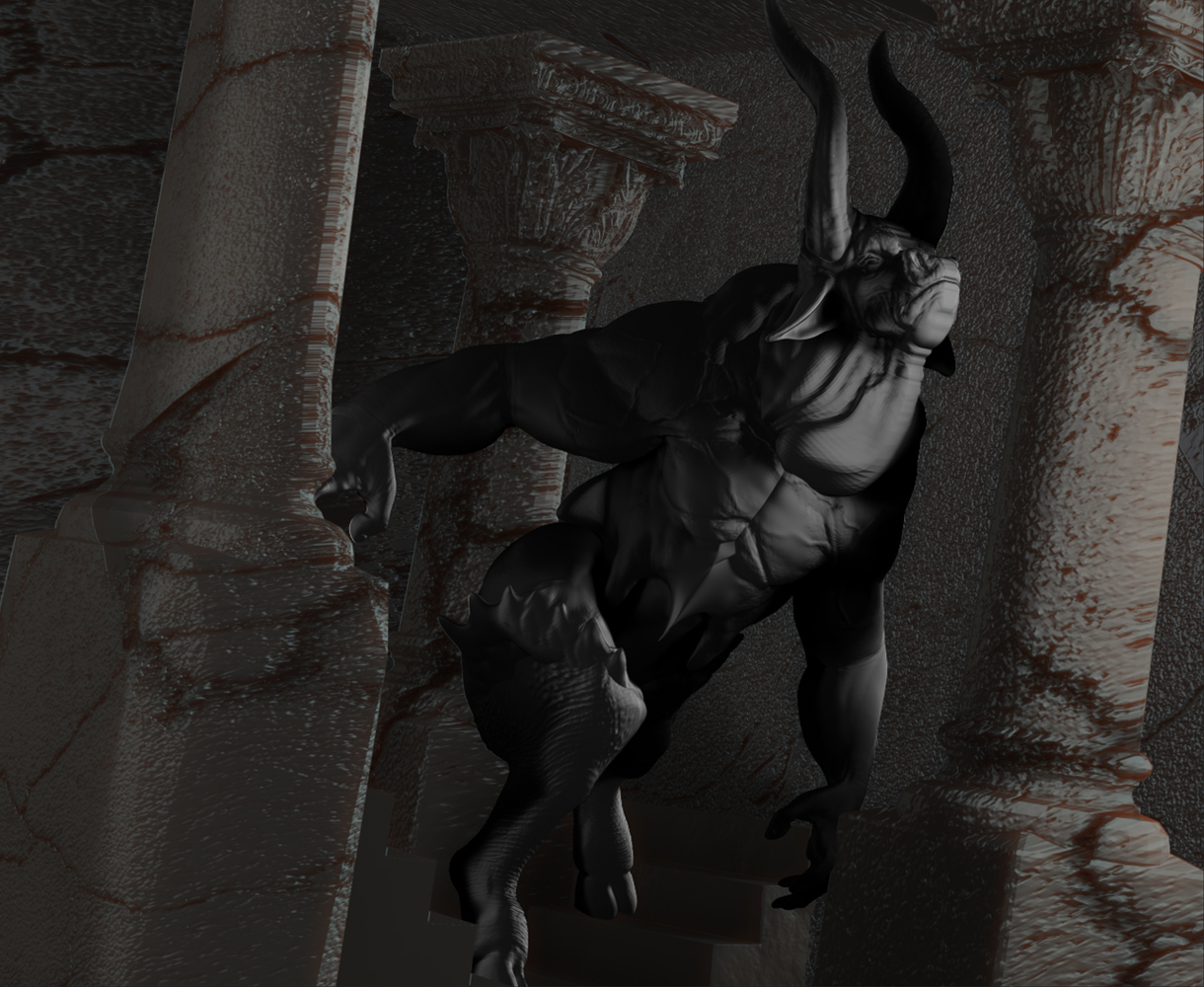
That Minotaur piece is very expressive, in post 3087! 
Also, you reminded me of how fun symmetrical sketching in Zbrush is!
NOV 29, 2013
Hey …Thanks Santis :)…That Quick Sketch feature is alot of fun…and a fast way to brush up on drawing techniques…gotta love it…
ZBrush Fun
:)Glenn
You are fantastic as always
You’re number one
a hug
I really like your work
hurts not express myself in English, because we could be talking many hours:D
NOV 30, 2013
Hey…Thank You PFC666…Glad to know that you are enjoying my works :)…It’s the digital technology that’s #1, and the brains behind it …of course…is what keeps me coming back…good tools always help.
ZBrush Fun
:)Glenn
DEC 02, 2013
ZBrush Fun
Quick Sketch Doodle…From imagination and memory from my days as a Teamster of putting in and then tearing down trade shows at the convention centers in Boston…putting those big crates onto dollies…a real ballancing act at times…
Thinking of doing a 3D sculpture of this ballancing act…20 years of memories and experiences doing it…could be an interesting subject based from and in reality…
:)Glenn


