hell yeahh! Thank you
Nice! i’ve been wondering about those boolean tools for a while. Thanks!
Muchisimas Gracias!! Very nice Martin!! A friend of mine, showed me another way to do it. His method didn’t require as many steps, but somehow your method still seems less complicated to me. I’m going to try both as I’m still in the beginning of my learning, but I appreciate the tutorial as it will make things a lot easier down the road. I too am not good at the other programs.
Your digital sculpting is looking fantastic. Can’t wait to see what you do with it. Hopefully someday we can meet and I can shake your hand (maybe a little of your genius will rub off).
Cheers!!
Alfred
Thanks so much Aging Guys, I just wish that the New Zbrush 5 Become with some tool do it easily !!!
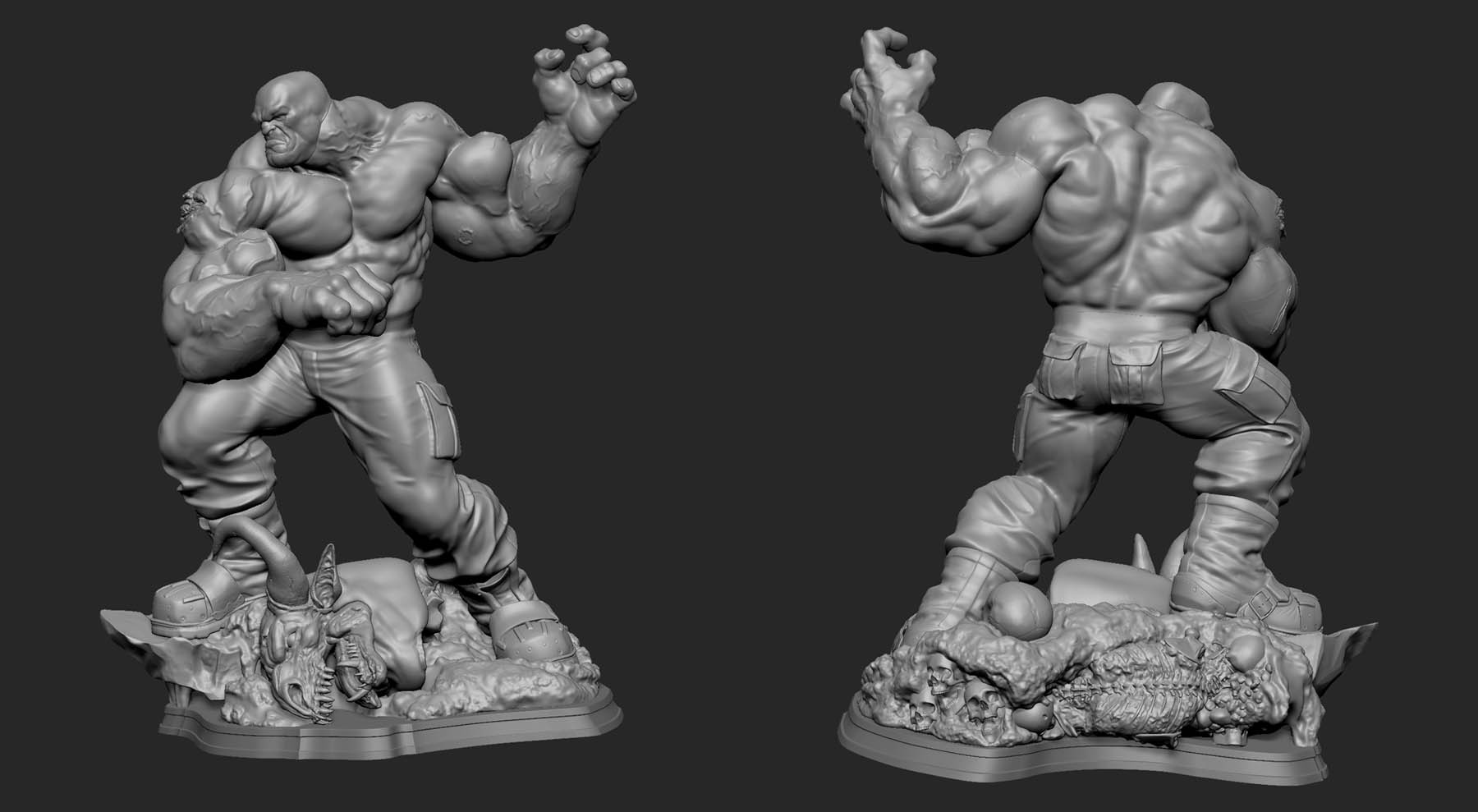
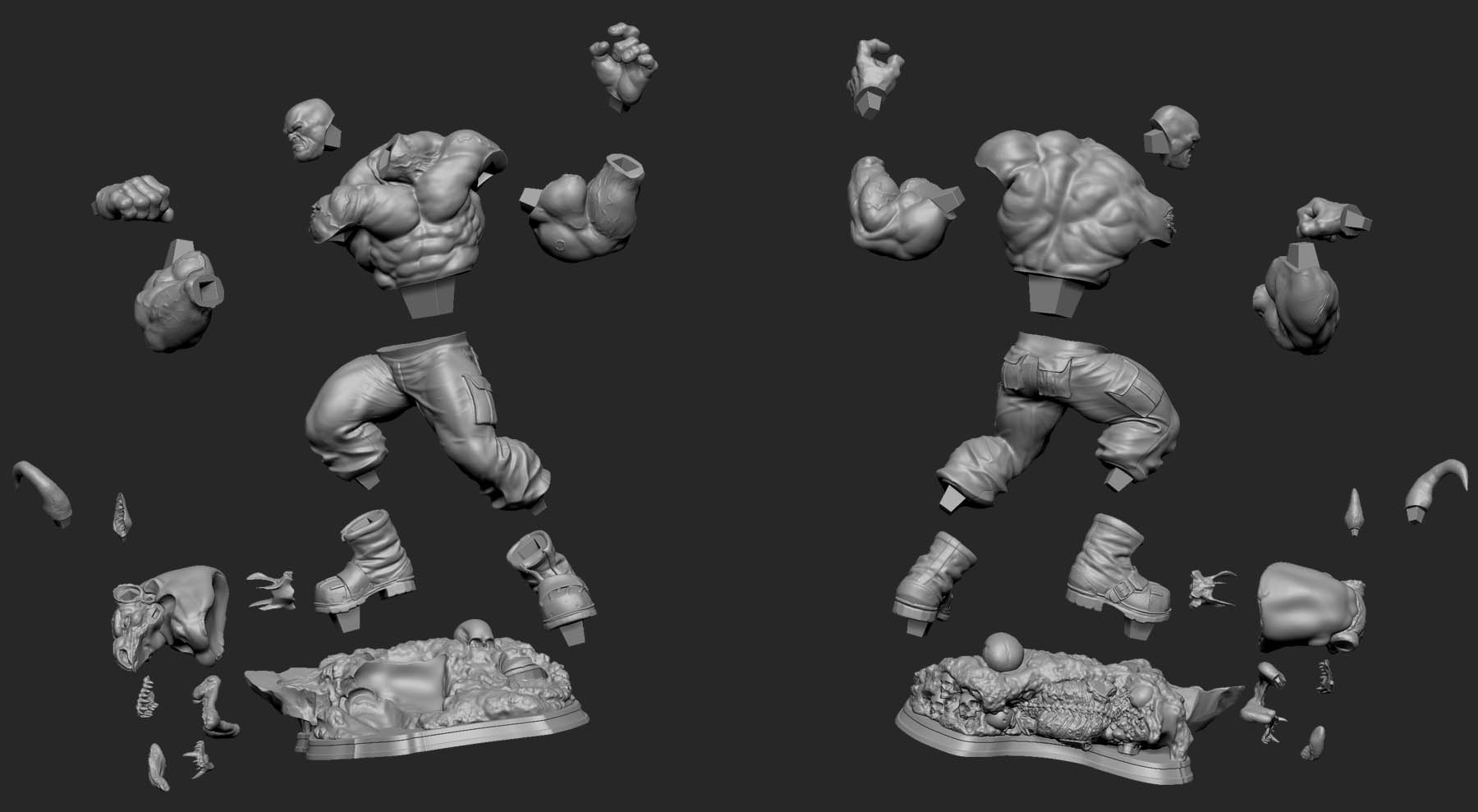
Great!!!
Awesome tutorial mate, thanks for sharing the tips!
Some awesome sculpts as well!
very nice, and good to know. thanks:D
Thanks so much for breaking down this process!!
This is gold!
really cool,thanks for sharing your Workflow!
Great tutorial on creating parts of the model taht fits on each other !!!
I will give it a try.
Congrats !!!
MARTIN!!!
I cant believe you are sculpting digitally - amazing work my friend!!
I hear you are very busy - i’m very glad 
Awesome tutorial! I’m going to use it!
Claudio
Muchas gracias Martín!!
Sos un grosso y tu laburo, una inspiración.
Salute.
Thanks a lot Martín!
Your work is truly inspirational.
Yup, that’s how it’s done! Dynamesh has made my life so much easier, now that I don’t have to go to Maya for the cuts anymore.
Nice work!!
Thanks so much for the kind words.
I´m happy that this can work for you too.
Thanks again
Martin
Very helpfull! Thanks a lot man!
Thanks Heap Martin that´s a very usefull tutorial!!
Muchas gracias por compartir este tutorial tan interesante Martin. small_orange_diamondsmall_orange_diamondsmall_orange_diamondsmall_orange_diamond
Muchas gracias Martin!!! Thanks so much Martin!!!
Thank you very much for this tutorial. Helped me a lot.
Nice tips
Only 1 thing.
When you do the loops and it blurs the figure. You then “project all”. At this stage, nothing is splitted into different subtools.
After that, you have the body with his key/hole and the 1st arm with his key on another subtool.
Let’s say now, that you’re doing the second arm, using the same method.
You don’t have some kind of problems when “projecting all” the details from the original final sculpt in one piece, to something with missing parts (or with parts splitted in different subtools)?
Thanks.