Renders look better and better… Nice style 
beautiful work. it is totally awesome.can’t say more.stunning 5***** <img src=“http://www.zbrushcentral.com/upload/atn.gif”>
Very nice modeling! The DOF close up seems to make the model; look very flat. Maybe less blurrrrrrrrr.
Rainer
Not sure why you don’t have more replies. Your modeling is great, and your latest renders are very realistic. Great job. No crits really.
But you just gave him a critic. Critic doesn’t necessarily mean that you dispprove of something. There are good and bad critics 
Your depth of field needs more work, now it’s too sharp on the blurred edges so it looks unrealistic and like a cutout. You can set up this in your 3d software. I do it very simply like this - render your image out and a depth pass separately. Open the image and the depthpass in photoshop, and replace the existing alpha channel of your image with depthpass. Add a lens blur to the original image now with the new alpha (depthpass) set up. Before playing with the lens blur parameters blur out the dephpass layer slightly using gaussian blur (otherwise your edges will look cutout, try it with and without this gaussian blur step and you’ll see what I’m talking about).
bye
cr
Hi
machado - I try be better and better every day, so there is some progress 
Al. Tinop - thanks a lot
lemonnado - I use last time too much dof but it’s more for test to see how much I can use it and what result it will make
tobbeo - probably on this forum people like more monster big monster or maybe a bit nude girl (this I like as well) I do something different a bit
cherub_rock - thanks, I did DOF exactly how you say but I future I’ll try do it in 3d application
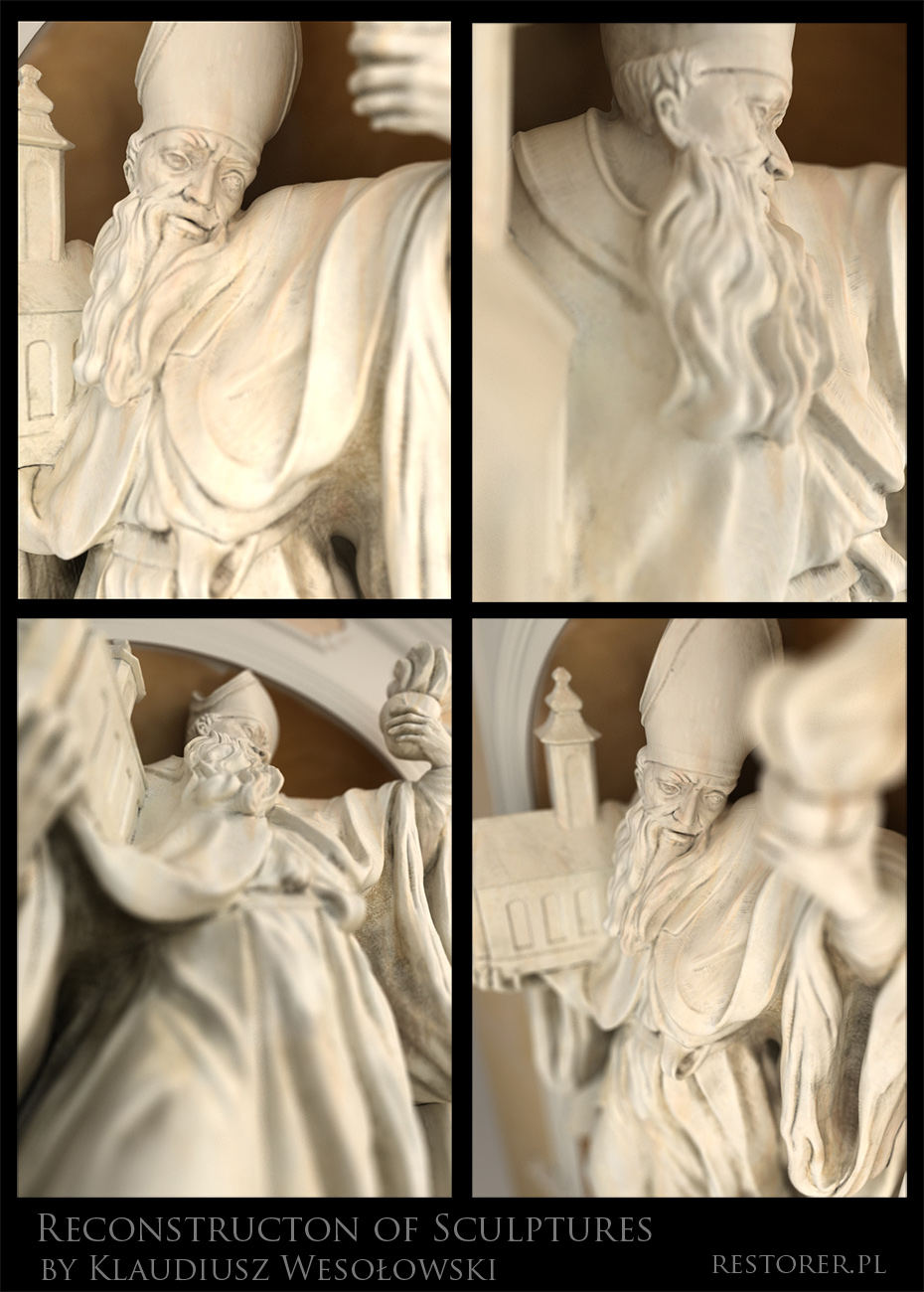
some new test, now I made texture for original niche where standing this sculpture, last time I like dirt and mess maybe I use it too much but I always can return to clean sculpture by turn off diffuse map
How is look like? In last image I try to use PS effect really hard to make more paintings instead of photorealism

[attach=153567]aug_nisz3s.jpg[/attach]
[attach=153568]aug_nisz20002s.jpg[/attach]
[attach=153569]aug_nisza_DOF.jpg[/attach]
Attachments
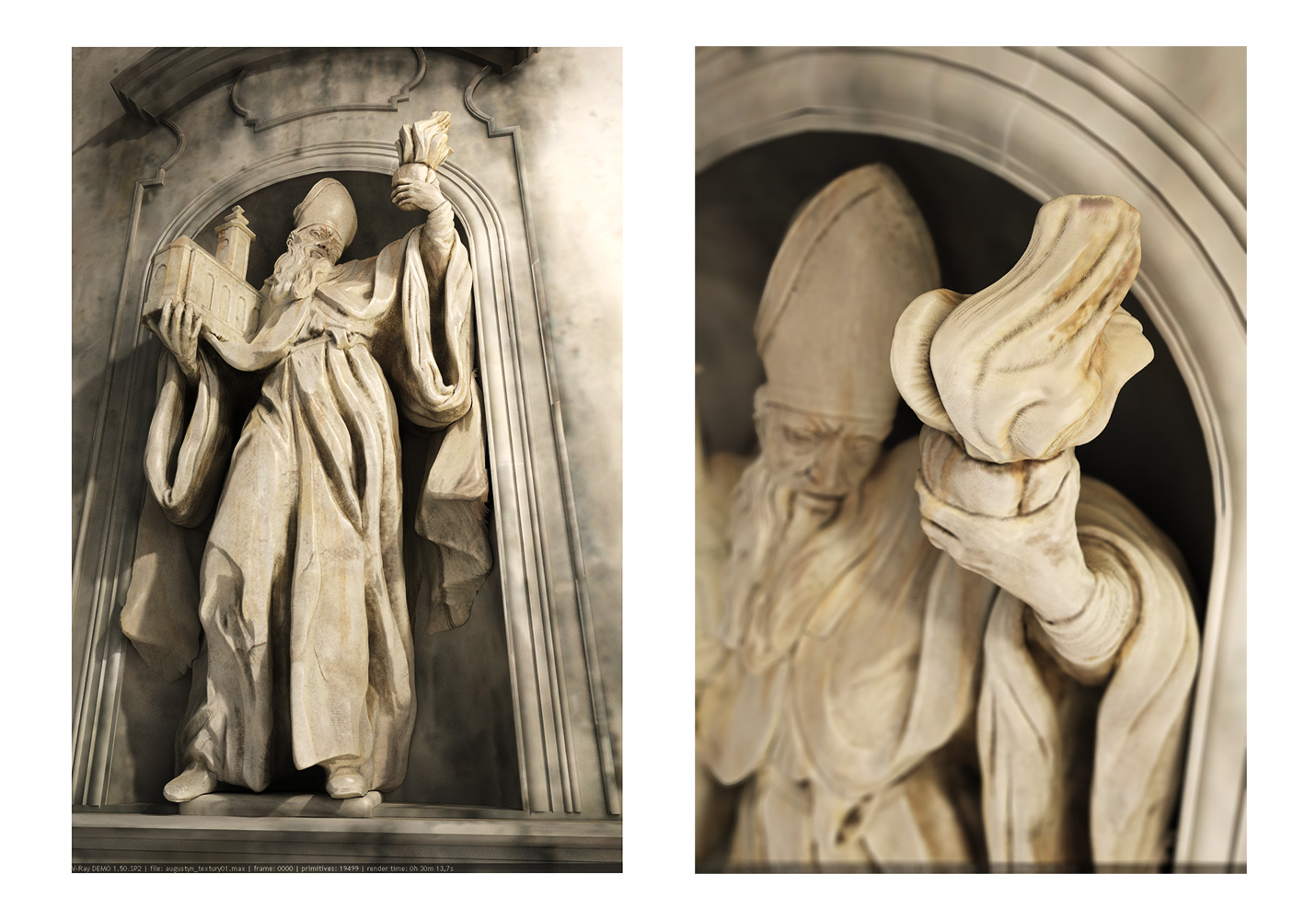
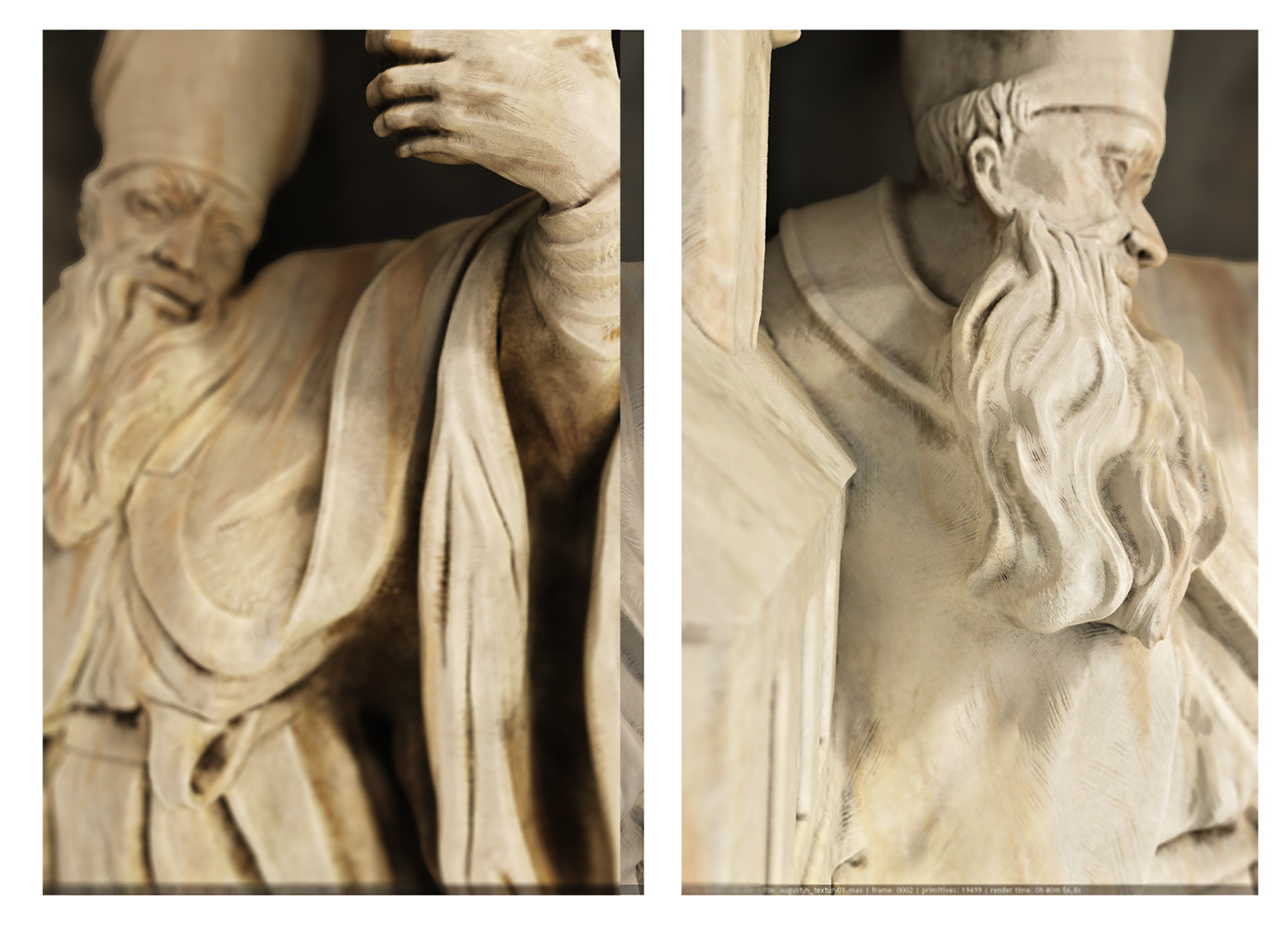
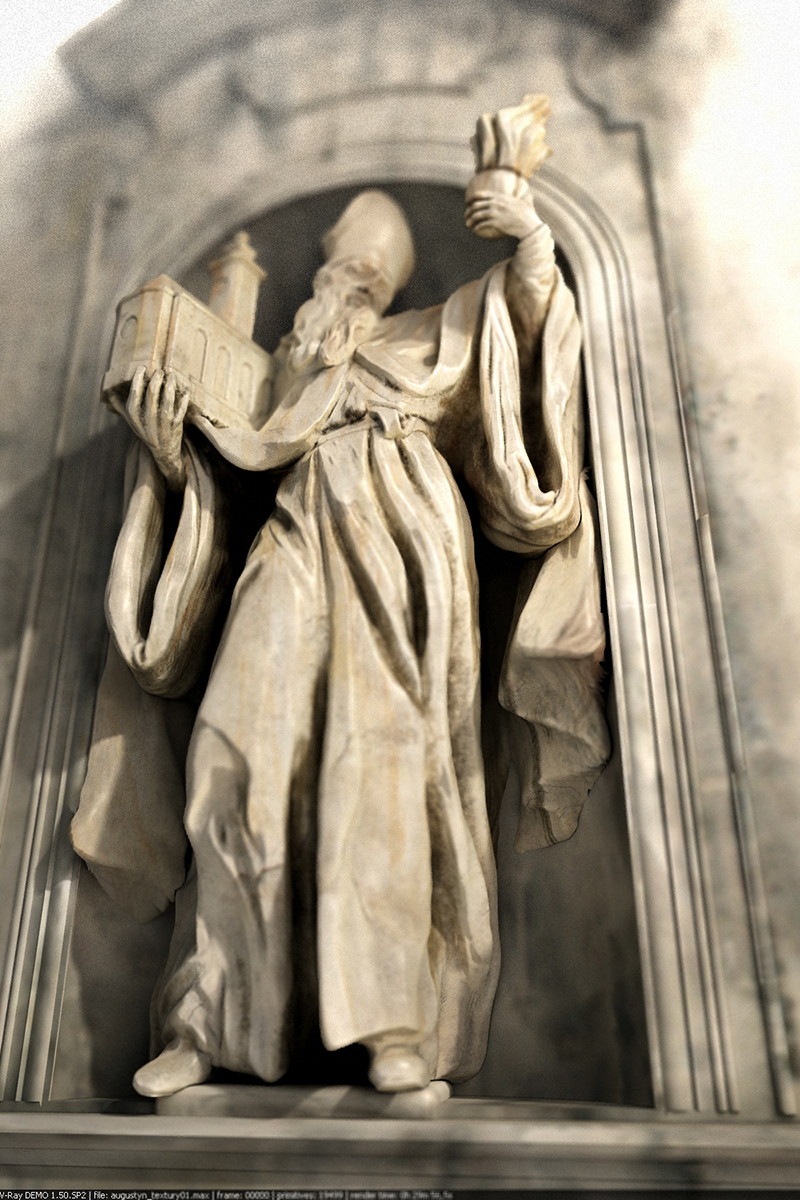
Wonderful work. Stunning techniques you have there. Very reallistic images.
Best wishes.
Paul.
Terrific modelling!
These latest renders look better. Aug_Tex40000 and Aug_tex40001 were good in their own way, but looked much more like ivory sculptures than stone; too much dirt in the creases.
Cheers,
R
Thank you a lot for your reply. Everybody need some support.
I made short video which shows my work flow during reconstructing sculptures.
I’ll show it on one meeting in Warsaw, where I show my whole 3d works involved to 3d monument reconstruction.
Does somebody like it?
<object height=“344” width=“425”>
<embed src=“http://www.youtube.com/v/bgiKo1h3AWA&hl=pl&fs=1&” type=“application/x-shockwave-flash” allowscriptaccess=“always” allowfullscreen=“true” height=“344” width=“425”></object>
This looks very cool!
Great modeling and texturing!
Cool video. The depth of field looks very strange. The outer edges are hard, but the interior stuff is burred.
Update, I paint niche and wall of church where stand this sculpture.
I know I use too much DOF but I it’s just for training to try new techinque. This DOF I made in Vray engine.
I hope that you like it.
Update, I paint niche and wall of church where stand this sculpture.
I know I use too much DOF but I it’s just for training to try new technique. This DOF I made in Vray engine.
I hope that you like it.

[attach=171005]3augustynsmall.jpg[/attach]
Attachments
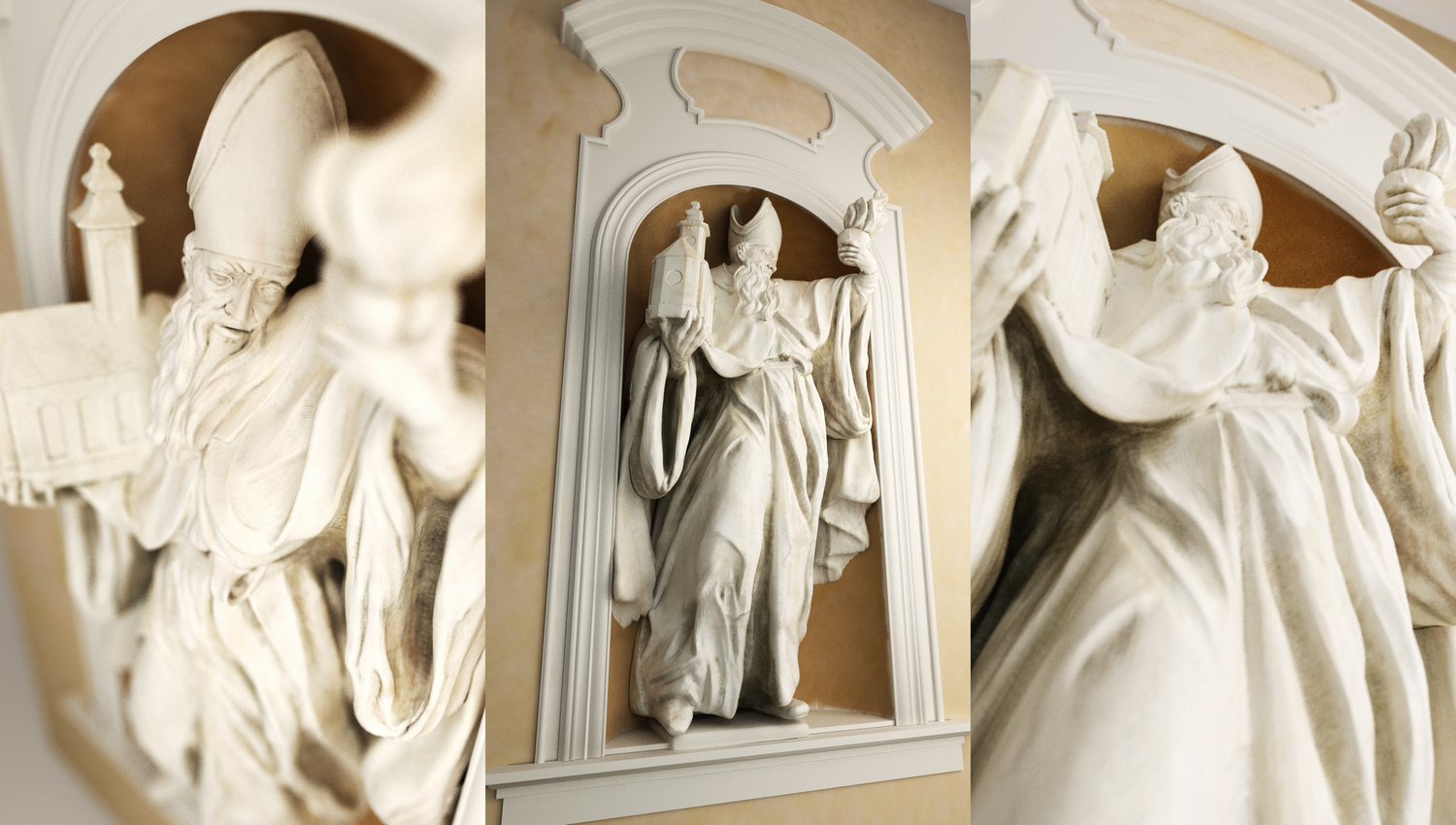
This is beautiful work!
I like your attention to detail and the sense that your pieces are very close to the originals. However, with the piece where a person is prone on the ground it appears that they are falling out of the niche and the elbow looks as if it should be rested on, rather than bent and dangling into space…Since the original piece had it that way I could see why you made yours that way.
I really like the piece with the saint/apostole holding the church, but in your initial pieces the church seemed to be polymodelled in another app and seems too sharp and perfect to match the flowing robes of the character.
The DOF seems a bit extreme, considering where these saints would be placed, one is not likely to experience such DOF in regular photos or with the naked eye. I do enjoy the various angles, and I like to see angles (i.e. from above, or above right) which in normal circumstances a church visitor is not likely to see.
carry on, great progress
Regards, d100763
PS- Great video, can you touch up on what you’re doing in Step 7 - topology?
Thanks for comment!
Yes small Church I made in 3d max and added it in sub tool but when I wanted prepare mesh to print I had to join subtools. Then I join two mashes using sub tool master go to 3dmax made new topology and project all detail on new mesh.
I recorded it on step 7 mesh retepology in my work flow movie.
I know that DOF it’s too strong but I couldn’t resist temptation to do this effect which give a lot of deep space in render.
I continued with experiment and renders.
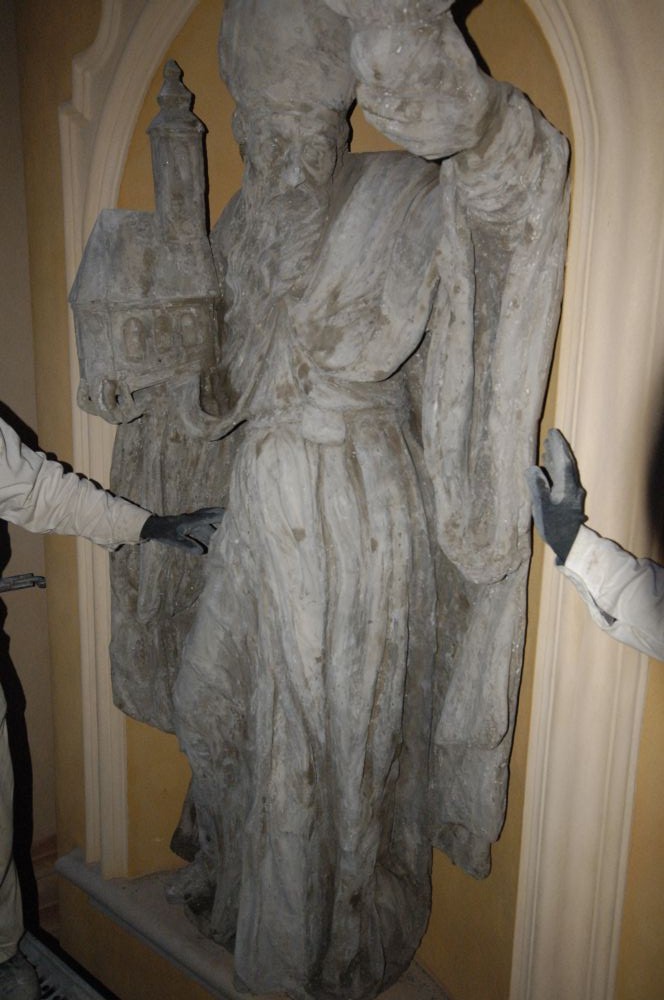
I upload also photo of real reconstruction of this sculpture based on my 3d reconstruction. Unfortunately it’s not very good photo. I have to make better.
Thanks for comment, good zbrushing
Attachments
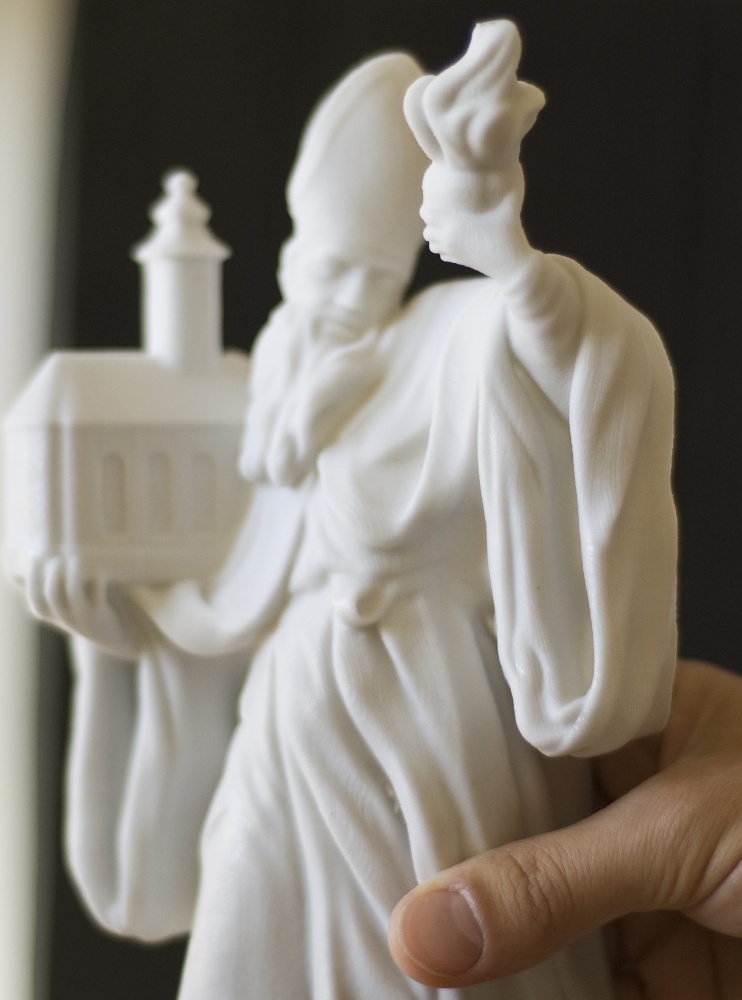
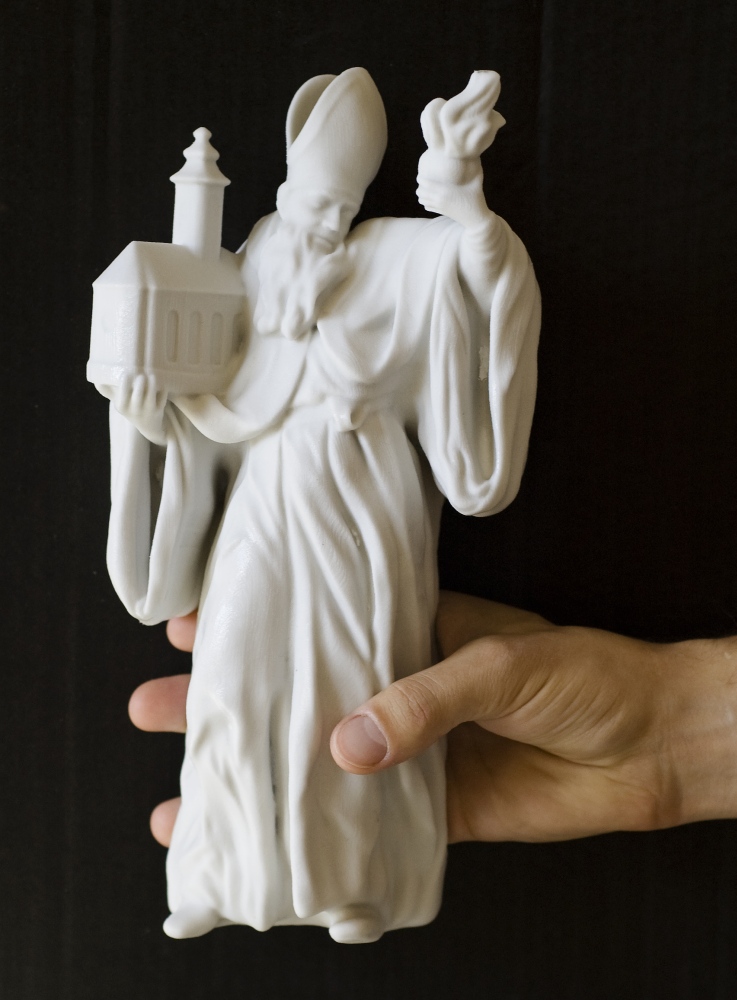
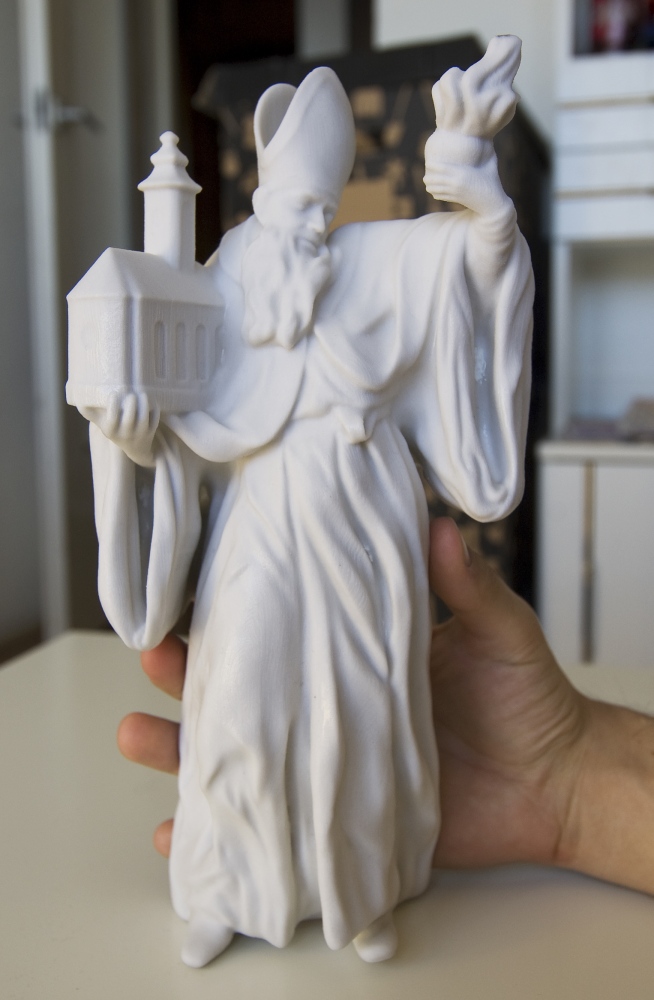
Finally my friend printed in 3d my sculpture.
Unfortunately resolution this print is not very high and details are blurred.
In spite of it I like to have my one sculpture in real.
Attachments
Those are really good. I especially like the tool marks and micro abrasions.
After long break I return to my lovely Zbrush.
Last Days I worked on new model nude women. I tried to make hair in zbrush but I fail with it. Maybe next time I will better hair.
My model is still in progress.
If you have good alfa for making detail of skin, I will greatful get it.


Reminds me of Monica Belucci! Nice work